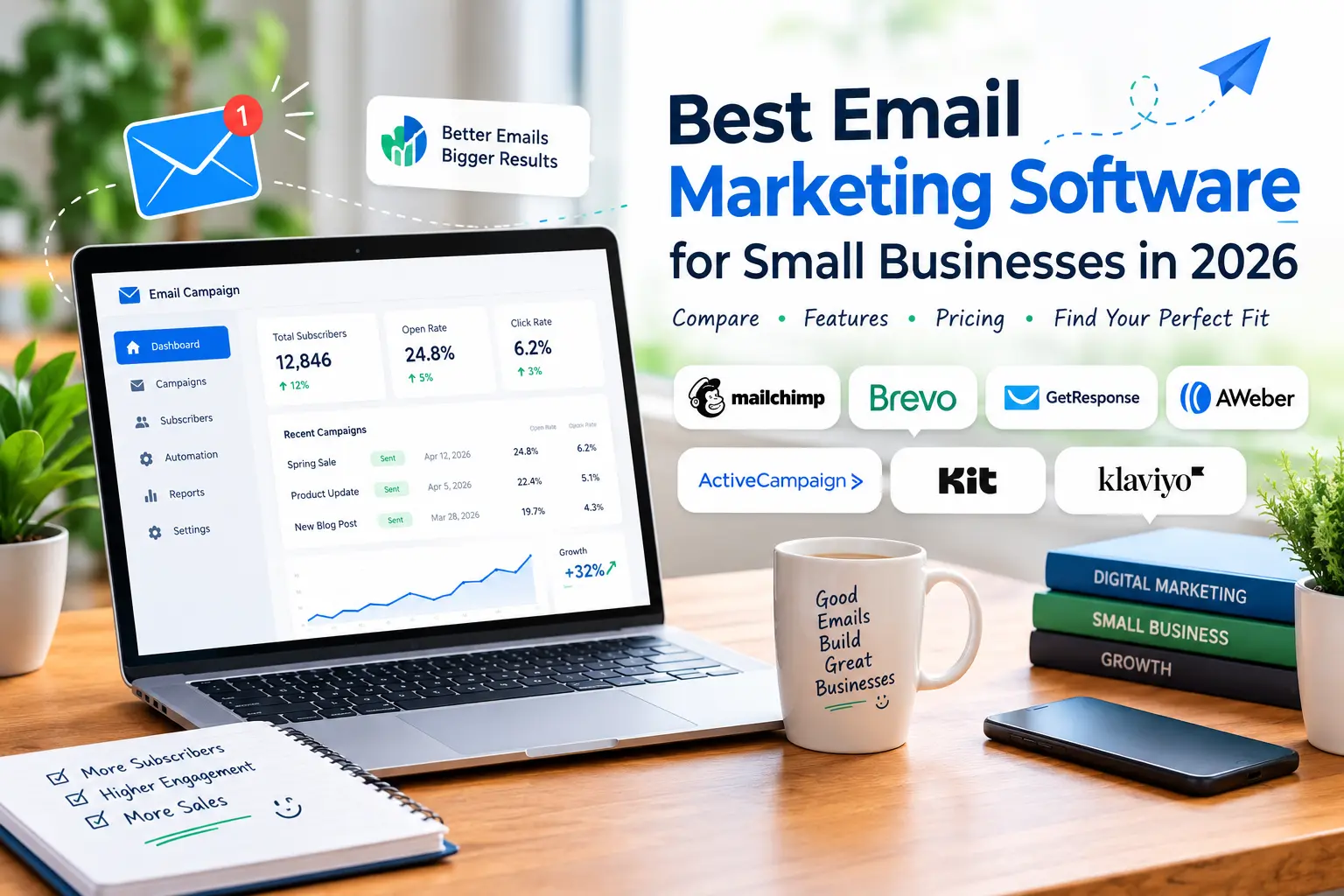
7 Best Email Marketing Software for Small Businesses in 2026
Email marketing remains a practical way for small businesses to communicate with customers, promote products, share updates, and build long-term relationships. However, choosing the right platform can be challenging when dozens of tools offer different features, pricing plans, and automation options.
The best email marketing software for small businesses should be easy to use, affordable, and capable of growing alongside your business. Some platforms focus on simple newsletters, while others offer advanced automation, customer segmentation, landing pages, and sales integrations.
In this guide, we compare seven popular email marketing platforms to help you find the right solution for your business, whether you are a freelancer, blogger, online store owner, or startup founder.

What Is Email Marketing Software?
Email marketing software helps businesses create, send, and manage email campaigns from a centralized platform. Instead of sending individual messages manually, you can organize subscribers, design newsletters, schedule campaigns, and automate messages based on customer behavior.
Depending on the platform, you may also get tools for building signup forms, creating landing pages, tracking campaign performance, and connecting your email list with other business applications.
For small businesses, these features can save time and make customer communication more consistent.

Best Email Marketing Software for Small Businesses
Here are seven email marketing platforms worth considering in 2026.
1. Mailchimp — Best for Beginners

Mailchimp is a popular email marketing platform designed to help businesses create campaigns, manage contacts, and monitor engagement.
Its visual email editor makes it easier for beginners to create professional-looking newsletters without advanced design skills. Businesses can also explore audience management, campaign reporting, signup forms, and marketing automation features, depending on their plan.
Key features:
- Drag-and-drop email campaign builder
- Audience and contact management
- Email templates and campaign reports
- Marketing automation options
- Integrations with popular business tools
Pros:
- Beginner-friendly interface
- Useful campaign analytics
- Broad integration ecosystem
Cons:
- Advanced features may require a paid plan
- Costs can increase as your contact list grows
Best for: Small businesses that want a familiar platform for newsletters and general email marketing.
Explore Mailchimp: https://mailchimp.com/
2. Brevo — Best for Budget-Conscious Businesses

Brevo combines email marketing with additional customer communication tools. Depending on the selected plan, businesses can access features related to email campaigns, automation, contact management, and transactional messaging.
Its pricing structure makes it worth comparing for businesses that send regular campaigns but do not necessarily need a large contact database with every subscription.
Key features:
- Email campaign creation
- Contact management and segmentation
- Automated email workflows
- Transactional email capabilities
- Customer communication tools
Pros:
- Combines several communication features
- Offers an entry point for smaller businesses
- Useful for marketing and transactional emails
Cons:
- Some capabilities depend on the selected plan
- New users may need time to understand the broader platform
Best for: Startups, service businesses, and online stores looking for email marketing alongside other communication features.
Explore Brevo: https://www.brevo.com/
3. GetResponse — Best for Email Automation
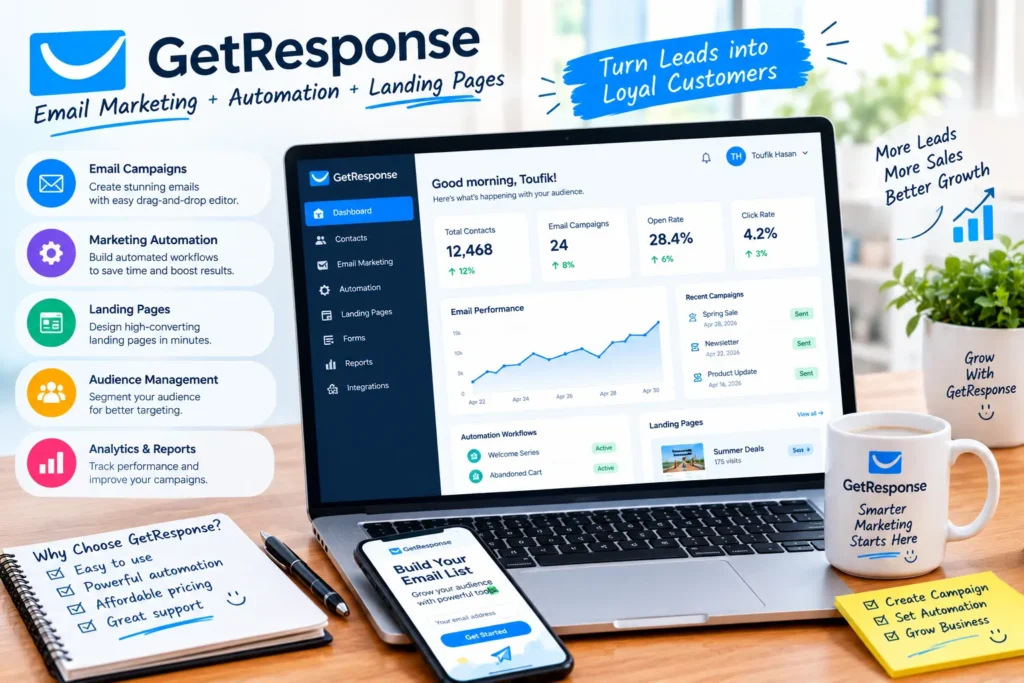
GetResponse offers email marketing, automation workflows, landing pages, and additional marketing tools. It can be useful for businesses that want to build a complete lead-generation process instead of sending newsletters alone.
For example, a business could create a signup page, collect email addresses, and send a welcome sequence to new subscribers.
Key features:
- Email campaign builder
- Marketing automation workflows
- Landing pages and signup forms
- Audience segmentation
- Campaign analytics
Pros:
- Supports multiple marketing activities
- Useful automation capabilities
- Suitable for lead-generation campaigns
Cons:
- Some advanced features are available only on selected plans
- The range of options may feel overwhelming to beginners
Best for: Small businesses that want to build automated email sequences and improve lead nurturing.
Explore GetResponse: https://www.getresponse.com/
4. AWeber — Best for Bloggers and Creators
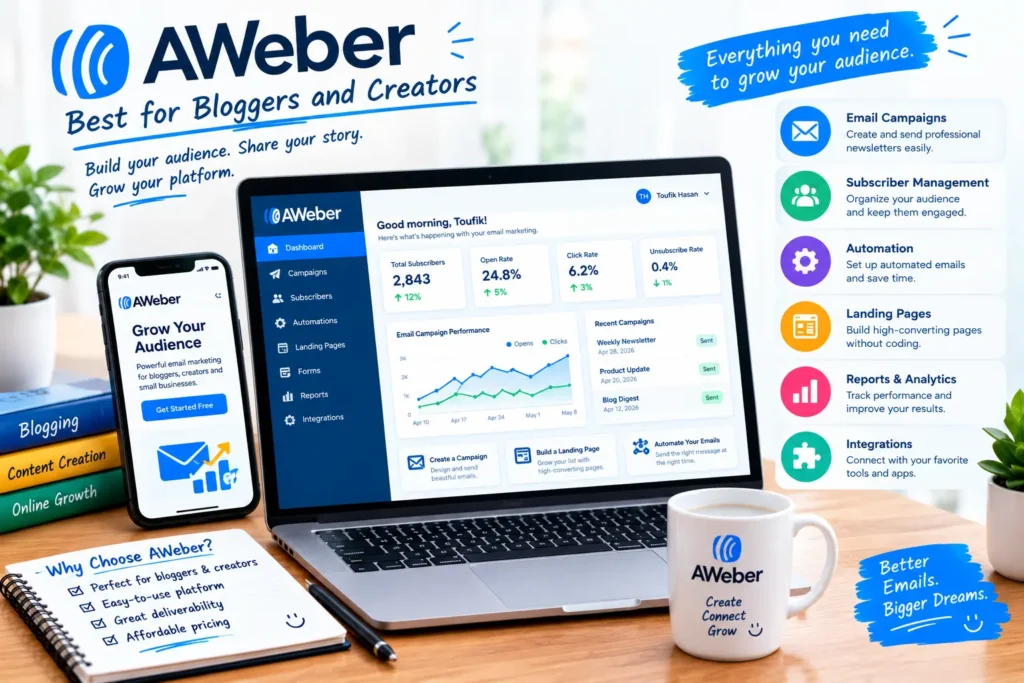
AWeber provides email marketing tools for bloggers, creators, consultants, and small businesses that want to build an email audience.
Users can create newsletters, manage subscribers, build signup forms, and set up automated messages. These features can help publishers stay connected with readers and promote useful content or products.
Key features:
- Email newsletter creation
- Subscriber management
- Signup forms and landing pages
- Automated email sequences
- Campaign performance tracking
Pros:
- Suitable for newsletter-focused businesses
- Helpful subscriber management tools
- Supports email list growth
Cons:
- Some features depend on the subscription plan
- Businesses with complex marketing needs may want more advanced integrations
Best for: Bloggers, affiliate marketers, coaches, and independent creators.
Explore AWeber: https://www.aweber.com/
5. ActiveCampaign — Best for Advanced Automation
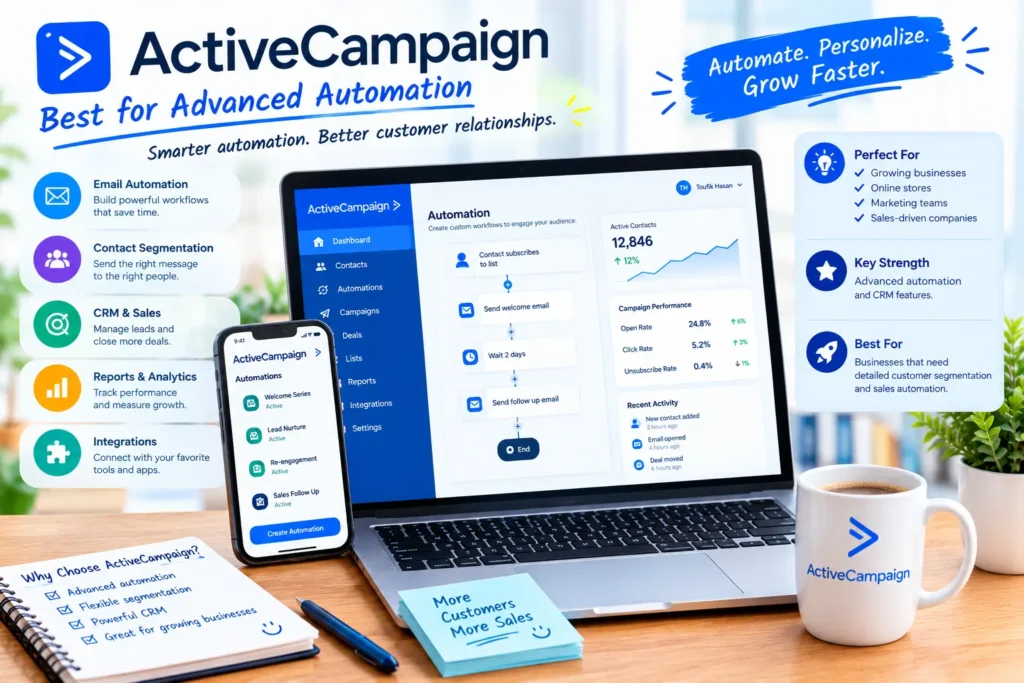
ActiveCampaign is designed for businesses that need more sophisticated email automation and customer relationship management capabilities.
Its workflows can help businesses send targeted messages based on subscriber actions, customer information, and other triggers supported by their plan.
For example, an online business could create different follow-up sequences for new subscribers, returning customers, and people who have shown interest in a particular service.
Key features:
- Advanced email automation
- Contact segmentation
- CRM and sales workflow features
- Personalized customer communication
- Reporting and integrations
Pros:
- Flexible automation options
- Useful for complex customer journeys
- Combines marketing and sales-related workflows
Cons:
- May be more than a very small business needs
- Requires time to configure and manage effectively
Best for: Growing businesses that need detailed customer segmentation and sophisticated automation.
Explore ActiveCampaign: https://www.activecampaign.com/
6. Kit — Best for Newsletter Creators

Kit, formerly known as ConvertKit, focuses on creators who want to build an audience and communicate with subscribers.
It is particularly relevant to bloggers, authors, educators, and content creators who use email to share valuable information, recommend products, or sell digital products.
Key features:
- Newsletter publishing
- Subscriber tagging and segmentation
- Automated email sequences
- Landing pages and signup forms
- Creator-focused monetization features
Pros:
- Designed around creator workflows
- Useful subscriber organization features
- Supports email-based audience building
Cons:
- Some businesses may prefer a broader marketing platform
- Advanced capabilities may require a paid subscription
Best for: Bloggers, affiliate publishers, online educators, and newsletter creators.
Explore Kit: https://kit.com/
7. Klaviyo — Best for Ecommerce Businesses

Klaviyo focuses on customer data and marketing for ecommerce businesses. It helps online stores create targeted email campaigns and automate customer communications using supported store and customer data.
For example, an online shop may use automated messages for abandoned carts, product recommendations, or post-purchase follow-ups, depending on its setup and plan.
Key features:
- Ecommerce email marketing
- Customer segmentation
- Automated marketing flows
- Store integrations
- Campaign performance analytics
Pros:
- Strong ecommerce-focused capabilities
- Useful customer targeting options
- Supports automated customer journeys
Cons:
- May be unnecessarily complex for a simple blog newsletter
- Costs can increase as contact and usage requirements grow
Best for: Online stores that want to personalize marketing and improve customer retention.
Explore Klaviyo: https://www.klaviyo.com/
Email Marketing Software Comparison Table
| Software | Best for | Main strength | Free option |
|---|---|---|---|
| Mailchimp | Beginners | Campaign creation | Check current plan |
| Brevo | Budget-conscious businesses | Multichannel communication | Check current plan |
| GetResponse | Marketing automation | Funnels and workflows | Check current availability |
| AWeber | Bloggers and creators | Newsletters and subscriber management | Check current plan |
| ActiveCampaign | Growing businesses | Advanced automation | Check current trial |
| Kit | Newsletter creators | Audience building | Check current plan |
| Klaviyo | Ecommerce stores | Customer data and targeted marketing | Check current plan |
Free-plan availability, subscriber limits, sending allowances, and included features can change. Review each vendor’s official pricing page before purchasing.
How to Choose the Right Email Marketing Software

The right platform depends on what you want to accomplish and how your business operates.
1. Consider Your Budget
Start by deciding how much you can spend each month. A free plan or trial can be useful while you learn the basics, but check whether its subscriber limits, sending allowances, and branding restrictions meet your needs.
Also consider how the price changes as your contact list grows.
2. Check Email Automation Features
Automation can save time by sending messages after a subscriber signs up, clicks a link, or completes a supported action.
If you only send a weekly newsletter, a simple platform may be sufficient. If you need multi-step customer journeys, look for more advanced automation features.
3. Look at Ease of Use
An affordable tool is not necessarily the best choice if it takes too long to learn. Consider the quality of the email editor, templates, onboarding resources, and campaign management interface.
Beginners should prioritize a platform that makes routine tasks straightforward.
4. Review Integrations
Your email marketing platform may need to connect with WordPress, Shopify, a CRM, a landing page builder, or other applications.
Check that the integrations you need are supported and determine whether they require an additional subscription or technical setup.
5. Compare Reporting and Deliverability Tools
Campaign reporting can help you understand delivery, clicks, unsubscribes, and other useful engagement metrics.
No platform can guarantee that every email will reach the inbox. Good list management, relevant content, proper authentication, and responsible sending practices also matter.
Free vs. Paid Email Marketing Software

Free plans are useful when you are building your first subscriber list or learning how email campaigns work. They can help you test an editor, create signup forms, and understand basic reporting before committing to a subscription.
Paid plans may become worthwhile when you need more subscribers, higher sending limits, advanced automation, additional users, or more detailed reporting.
Before upgrading, identify the specific limitation you need to solve. Paying for advanced features you rarely use may not provide enough value for a small business.
Common Email Marketing Mistakes to Avoid
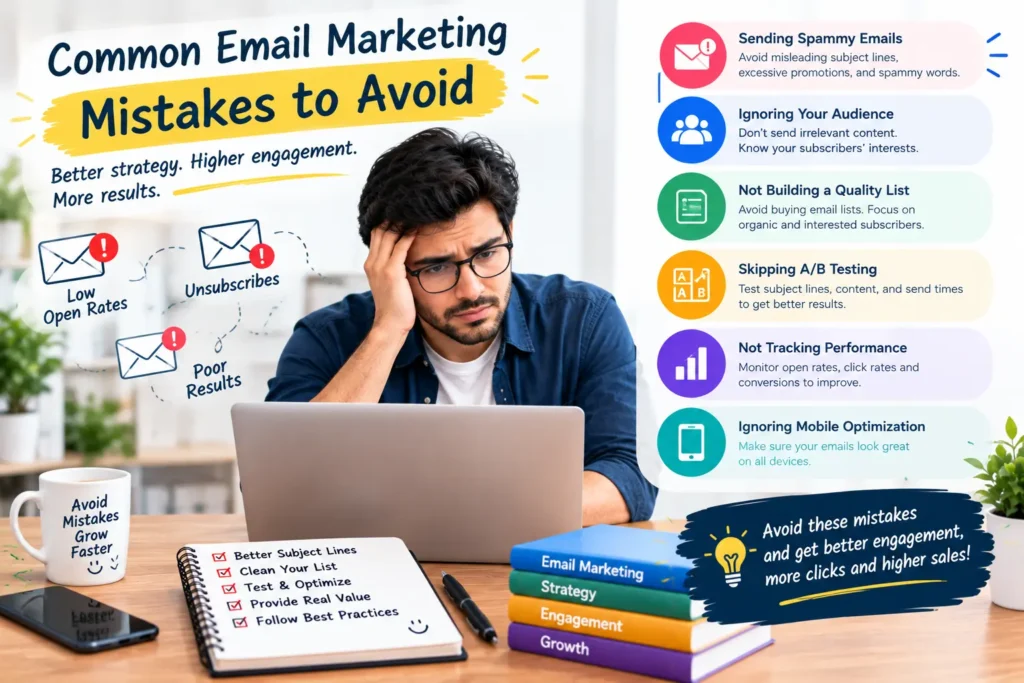
Choosing a platform is only one part of successful email marketing. Avoid these common mistakes:
- Buying an oversized plan: Choose features that match your current requirements and upgrade when necessary.
- Ignoring mobile design: Test your emails on smaller screens before sending a campaign.
- Sending irrelevant messages: Segment your audience when different subscribers have different interests.
- Ignoring email consent: Collect addresses responsibly and provide a clear unsubscribe option.
- Tracking only open rates: Review clicks, conversions, unsubscribes, and other relevant metrics as well.
- Failing to test campaigns: Check links, spelling, formatting, and personalization before sending.
- Overlooking total costs: Review renewal prices, contact limits, add-ons, and billing terms.
Frequently Asked Questions
What is the best email marketing software for small businesses?
The best choice depends on your goals. Mailchimp is worth considering for beginners, Brevo for businesses comparing communication tools and budgets, ActiveCampaign for advanced automation, and Klaviyo for ecommerce marketing.
Is there free email marketing software?
Yes. Several providers offer free plans or limited free access. The available features and usage limits differ, so compare the current terms before choosing a platform.
Which email marketing tool is best for bloggers?
AWeber and Kit are worth exploring for newsletter-focused bloggers and creators. Mailchimp and other general-purpose platforms may also fit, depending on the integrations and automation features you need.
Is email marketing still useful for small businesses in 2026?
Yes. Email marketing can help businesses nurture leads, communicate with existing customers, distribute content, and encourage repeat purchases. Results depend on audience quality, message relevance, execution, and the value offered to subscribers.
How much does email marketing software cost?
Costs vary by provider, billing frequency, contact count, sending volume, and features. Some platforms provide free access, while paid plans can become more expensive as your business grows. Always check the current official pricing page for an accurate estimate.
Final Verdict
The best email marketing software for small businesses is the platform that meets your current needs without adding unnecessary costs or complexity.
Choose Mailchimp if you want a familiar starting point, explore Brevo if you need to compare communication features and pricing, consider GetResponse for marketing workflows, and look at ActiveCampaign if your business needs more sophisticated automation. Bloggers and creators may prefer AWeber or Kit, while ecommerce businesses should evaluate Klaviyo.
Before committing to a paid plan, test the interface, compare the features you will actually use, and review the provider’s latest pricing and limitations.
The goal is not to buy the platform with the most features. It is to find the one that helps your business communicate better with its customers.
Disclosure: This article may contain affiliate links. If readers purchase through qualifying links, the website may earn a commission at no additional cost to them. Recommendations should remain based on suitability, features, and value.
eCaQuUxgeZXXuaIePy