

Syncupp Lifetime Deal Review: Features, Pricing, and Is It Worth Buying?
Managing a team can quickly become complicated when you use separate tools for project management, team communication, attendance tracking, and employee performance. Switching between different apps can waste time and make it harder to keep everyone on the same page.
Syncupp aims to simplify this process by combining task management, team chat, attendance tracking, and gamification in one platform. Its AppSumo lifetime deal gives businesses an opportunity to access the software through a one-time payment rather than a recurring subscription.
But is the Syncupp lifetime deal a good investment for your business? In this review, we will explore its main features, available pricing tiers, advantages, limitations, and the types of teams that may benefit from it.
What Is Syncupp?
Syncupp is a project and team management platform designed to help businesses organize tasks, communicate with employees, and monitor work progress.
Unlike traditional task management software, Syncupp also includes gamification features. Teams can earn experience points (XP), collect coins, maintain streaks, and compete on leaderboards for completing work.
The platform also supports WhatsApp notifications, GPS-based attendance, timesheets, and integrations with other productivity tools.
According to its AppSumo listing, Syncupp is particularly suited to marketing agencies, remote teams, and small businesses looking to manage everyday operations from a central workspace.
What Is the Syncupp Lifetime Deal?
A lifetime deal allows you to pay once for access to a specified software plan instead of paying a recurring subscription fee for that license.
The Syncupp offer on AppSumo includes lifetime access and future updates to the features covered by the purchased plan, according to the published deal terms.
The listed tiers are:
| Plan | Listed price | Users | Workspaces |
|---|---|---|---|
| Tier 1 | $49 | 2 | 1 |
| Tier 2 | $99 | 6 | 1 |
| Tier 3 | $199 | 12 | 2 |
| Tier 4 | $379 | Unlimited | 4 |
These are the prices displayed on the listing when checked. Promotions and deal terms can change, so confirm the current price before purchasing.
Each tier also includes a monthly AI credit allowance: 300 credits for Tier 1, 1,000 for Tier 2, 2,500 for Tier 3, and 5,000 for Tier 4.
The listing advertises a 60-day refund window and requires buyers to activate their license within 60 days of purchase. Review the current terms before ordering.
Key Features of Syncupp
1. Flexible Task and Project Management
Syncupp provides several ways to organize your work, including Kanban boards, list views, and calendar views.
You can create tasks, break larger projects into subtasks, set priorities, define dependencies, and add custom fields. Recurring tasks can also be scheduled to repeat daily, weekly, or monthly.
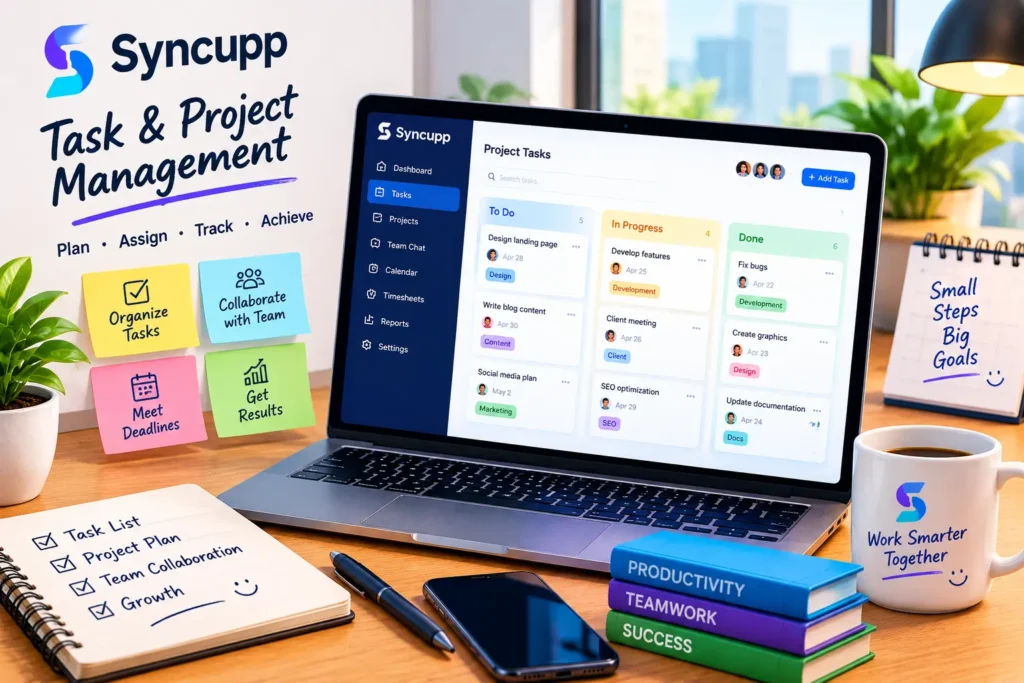
These features can help teams organize projects, assign responsibilities, and keep important deadlines visible.
For example, a digital marketing agency could create separate boards for SEO, content production, paid advertising, and client projects.
2. WhatsApp Notifications and Team Updates
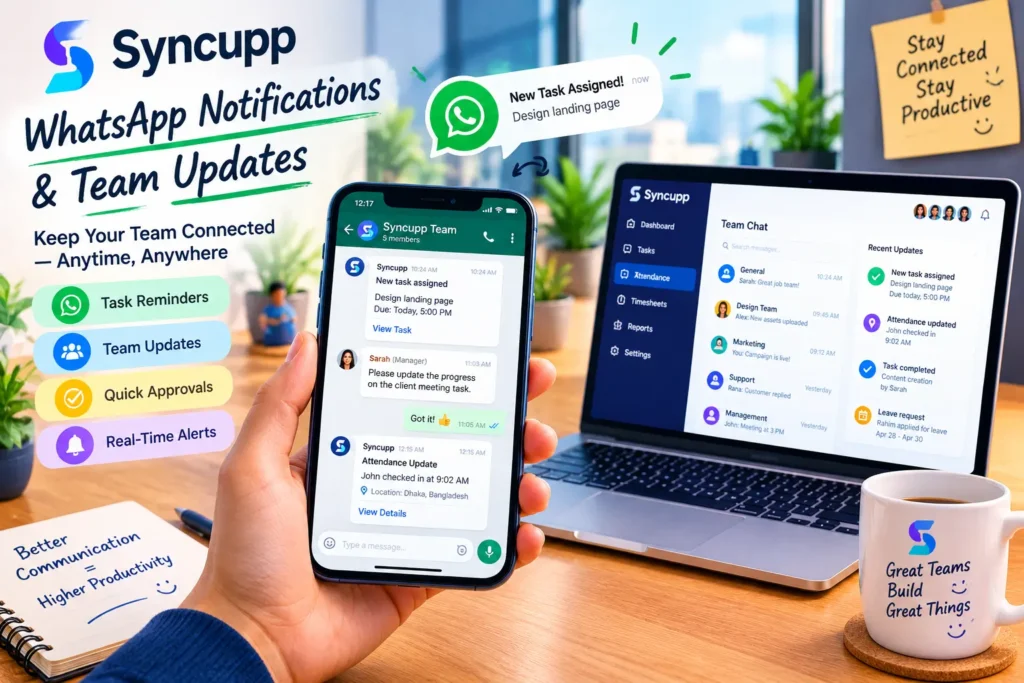
One of Syncupp’s notable features is its WhatsApp integration.
Instead of asking employees to check another dashboard throughout the day, teams can receive task reminders, assignment notifications, and other updates through WhatsApp. The platform also supports certain approval workflows through replies.
This can be useful for field workers, remote employees, and teams that already rely heavily on WhatsApp for communication.
However, businesses should verify that the integration supports their specific notification and approval requirements before moving their entire workflow to the platform.
3. Gamification and Employee Engagement
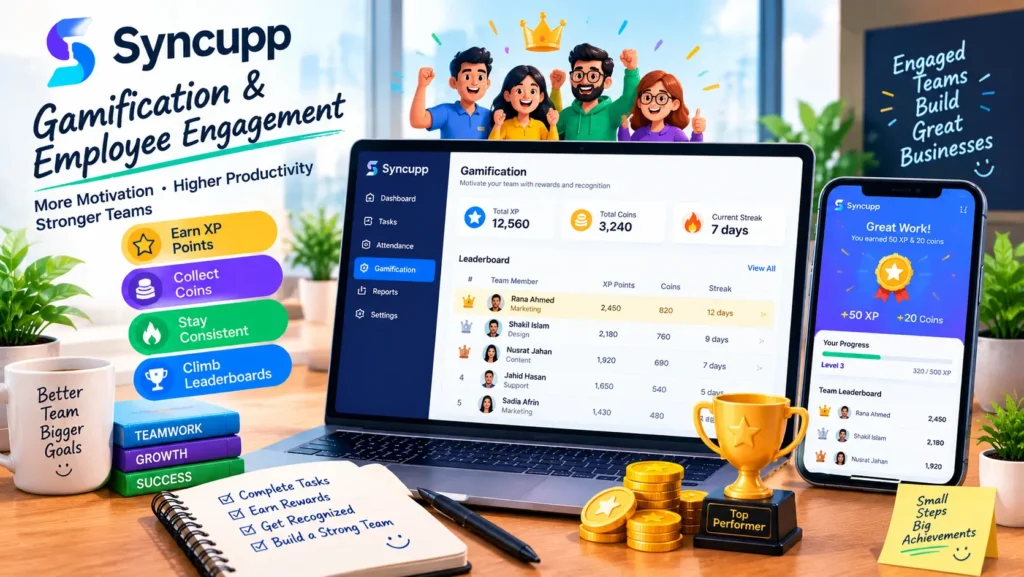
Syncupp adds a reward system to everyday task management.
Depending on the configuration, employees can earn XP and coins for activities such as completing tasks on time. Teams can use leaderboards, streaks, and custom rewards to encourage participation.
For managers, gamification may offer another way to make routine work more engaging.
It may be especially useful for sales teams, agencies, and organizations where clear targets and friendly competition can motivate employees.
Keep in mind that gamification works best when rewards are fair and transparent. A leaderboard should encourage collaboration rather than create unnecessary pressure.
4. GPS Attendance and Timesheets
Syncupp includes GPS-based check-ins and attendance management features.
Teams can use the platform to record attendance, monitor late arrivals, manage leave balances, configure working hours, and maintain holiday calendars. Attendance information can also be exported for payroll-related workflows.
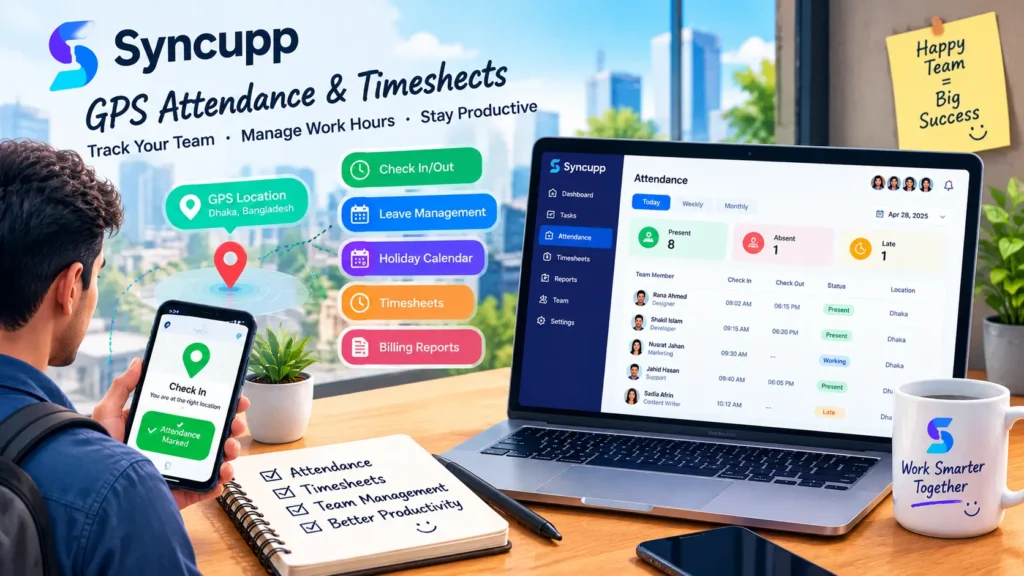
The software additionally supports timesheets and billing reports based on tracked work.
These capabilities may be helpful for businesses with field employees, distributed teams, or client projects that require time tracking.
Before adopting GPS attendance, consider employee privacy, consent, and your organization’s local requirements.
5. Integrations and AI Assistance
Syncupp supports integrations with tools such as Slack, Zapier, Make, and Pabbly. Its listing also includes Claude MCP support for connecting Syncupp data with compatible AI workflows.
These integrations can help businesses connect project management activities with their existing tools.
The platform also offers an AI assistant, with usage governed by monthly credit limits. The published deal explains that different interactions can consume different numbers of credits. Buyers may also be able to connect their own API key, subject to the available setup.
If your business expects to use AI frequently, estimate your likely usage and check the current credit rules before selecting a tier.
Pros and Cons of the Syncupp Lifetime Deal
Pros
- One-time license payment: Avoid recurring license fees for the purchased lifetime plan while the product remains available.
- Multiple tools in one place: Manage tasks, team communication, attendance, and work tracking from one platform.
- WhatsApp integration: Receive useful work notifications through a familiar messaging app.
- Gamification: Use points, coins, and leaderboards to encourage task completion.
- Flexible integrations: Connect with selected automation and productivity tools.
- 60-day refund window: The listed refund period gives eligible buyers time to evaluate the product.
Cons
- User limits vary by tier: Smaller plans may not accommodate a growing team.
- AI credits are limited: Monthly allowances depend on the selected plan.
- New-tool adoption takes time: Employees may need training before using the platform effectively.
- Long-term product risk: Lifetime access depends on the continued availability of the software and the applicable deal terms.
- Features may not fit every workflow: Businesses with complex reporting, permissions, or compliance requirements should test these areas carefully.
Who Should Buy the Syncupp Lifetime Deal?
Syncupp may be worth considering if you run a small business, marketing agency, remote team, or service-based company that needs task assignments, attendance tracking, and team updates in one place.
It may also appeal to businesses that use WhatsApp extensively and want to reduce the number of separate tools employees must check every day.
On the other hand, organizations with strict data residency requirements, complex enterprise workflows, or extensive reporting needs should test the software carefully before committing.
The AppSumo discussion identifies India as the current data storage location. Businesses with specific data residency or privacy obligations should confirm the latest arrangements directly with Syncupp.
Is the Syncupp Lifetime Deal Worth It?
The value of the Syncupp lifetime deal depends on your team size, workflow, and willingness to use its combined features.
For a small team that needs project boards, WhatsApp alerts, attendance management, and gamification, the $49 entry tier may be an affordable way to explore the platform. Larger teams may need a higher tier to obtain sufficient user capacity and workspaces.
However, the lowest-priced option is not automatically the best choice. Check the user limits, monthly AI credits, integrations, and the features your team actually needs.
Most importantly, test the current product during the refund window. Create sample projects, invite team members, test notifications, and verify attendance and reporting workflows before making it central to your business.
You can review the current offer and full terms on the official Syncupp AppSumo deal page.
Final Verdict
Syncupp combines project management, WhatsApp notifications, GPS attendance, timesheets, and gamification in a single platform. That combination makes it an interesting option for small businesses and agencies that want to organize team operations without paying for several separate tools.
Its lifetime deal may offer good value if the included features match your needs and the relevant user limits suit your team.
Before buying, compare the available tiers, check the current deal conditions, and test the software thoroughly. A lifetime deal is most useful when it solves a real business problem—not simply because it offers a one-time price.
Disclosure: If this article contains affiliate links, we may earn a commission from qualifying purchases at no additional cost to you. Our opinions should remain independent, and readers should verify the latest product details before purchasing.