Free AI Tools for Small Business Beginners: 7 Useful Picks
Running a small business often means managing many tasks with limited time and money. You may need to write marketing content, design social media posts, research competitors, respond to customers, and organize daily work. Hiring people for every task is not always possible, especially when you are just starting.
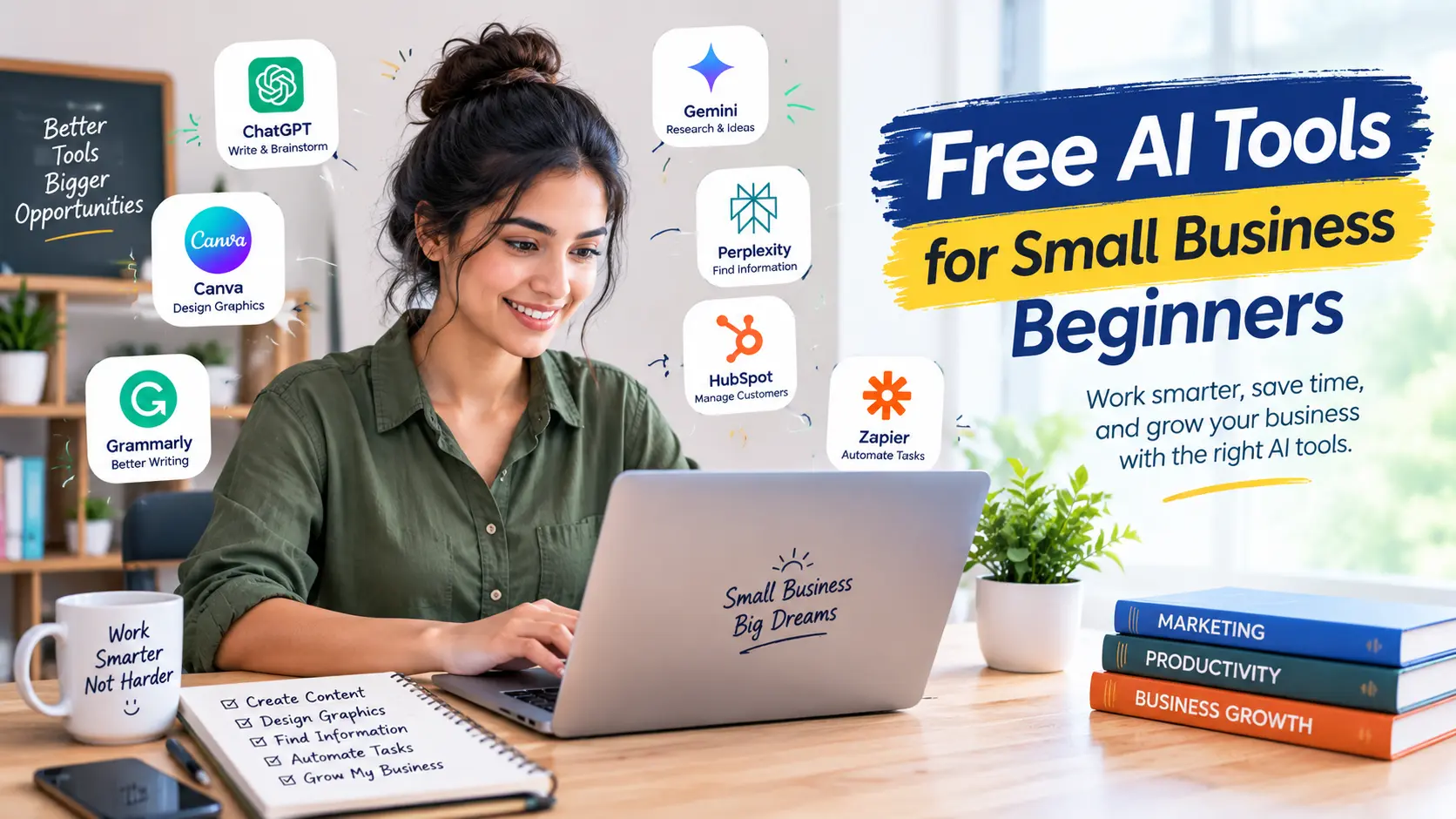
This is where free AI tools for small business beginners can help. AI software can assist with writing, brainstorming, research, design, and productivity. Although these tools cannot replace every business skill, they can help you complete routine tasks more efficiently.
In this guide, we will explore seven useful AI tools, explain what each one can do, and show you how to start using them without immediately paying for a subscription.
What Are AI Tools for Small Businesses?
AI tools are software applications that use artificial intelligence to help users perform specific tasks. Depending on the product, they may generate text, summarize information, create images, improve grammar, or organize ideas.
For a small business, the biggest advantage is convenience. Instead of starting every task from scratch, you can use AI to prepare a first draft, develop ideas, or simplify repetitive work.
However, AI-generated information can contain mistakes. You should review important content before publishing it or using it to make business decisions.
1. ChatGPT for Writing and Brainstorming
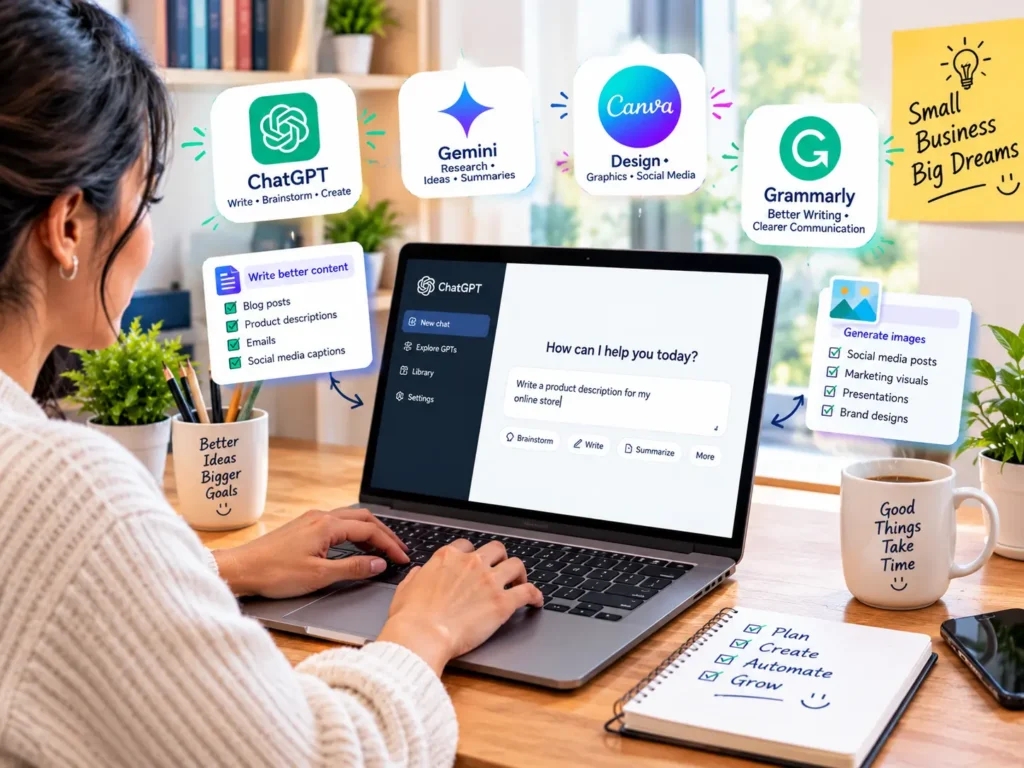
ChatGPT can help small business owners develop ideas, draft emails, outline blog posts, write product descriptions, and prepare social media captions.
For example, imagine that you run an online store and need five Facebook post ideas for a new product. You can describe the product, explain your target audience, and ask ChatGPT to suggest several approaches.
You can also use it to create an outline before writing a blog article. This can make it easier to organize your thoughts and identify questions your readers may have.
Best for: Content ideas, writing assistance, brainstorming, and everyday business tasks.
How to start: Visit https://chatgpt.com/ and check the available free features.
Important tip: Give clear instructions and review the results. Do not publish every AI-generated statement without checking facts, originality, and relevance.
2. Google Gemini for Research and Ideas

Google Gemini can assist with brainstorming, drafting, summarizing information, and exploring business topics.
A beginner might use it to generate ideas for a marketing campaign, create an initial outline for a guide, or prepare questions to investigate before launching a product.
When researching factual topics, verify important claims using reliable sources. AI-generated answers are not automatically accurate, and product features may vary by account or plan.
Best for: Research assistance, idea generation, summaries, and writing drafts.
How to start: Visit https://gemini.google.com/ and review the features available to your account.
For better results, explain your business type, intended audience, and the outcome you want. Specific instructions usually produce more useful drafts than a short, vague request.
3. Canva for Marketing Graphics
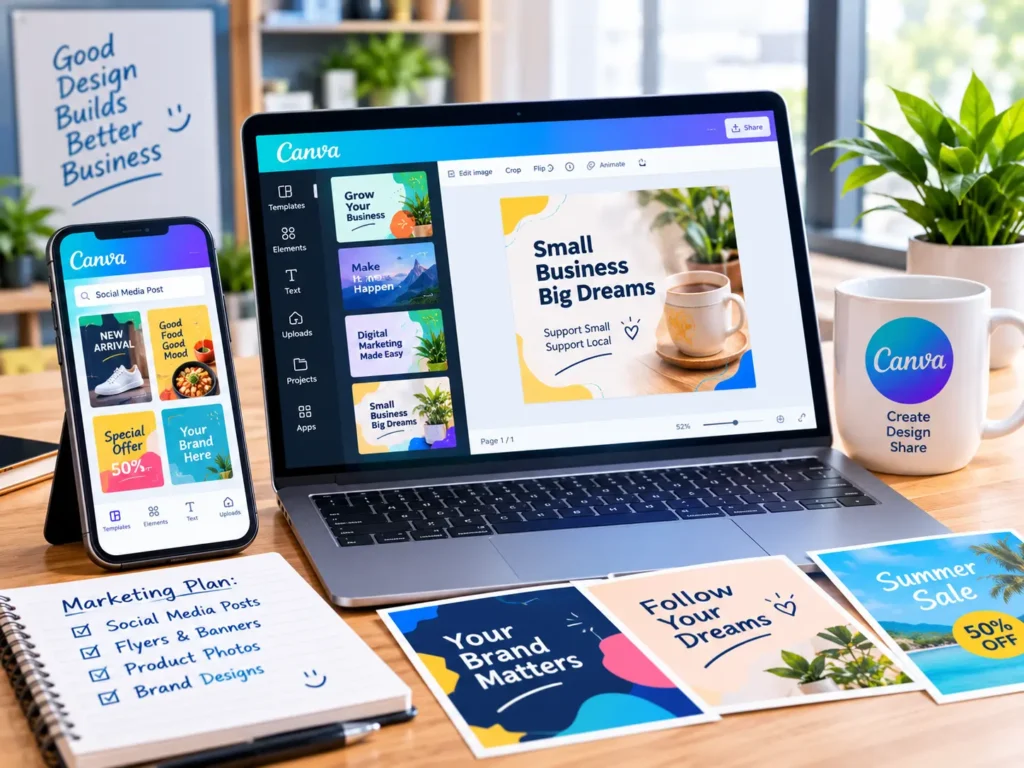
Visual content can help a business communicate its message clearly. Canva offers design tools and templates that beginners can use to create social media posts, presentations, promotional graphics, and other marketing materials.
Some Canva features use AI to help with design and content creation. The available AI features and usage limits depend on the current plan.
For example, a small online business can start with a social media template, add its own product image, and customize the text and branding.
Best for: Social media graphics, simple promotional designs, presentations, and marketing visuals.
How to start: Visit https://www.canva.com/ and explore the free plan.
Before using generated images or other assets commercially, check the relevant licensing terms. Make sure your final design does not include incorrect text, misleading claims, or unauthorized brand assets.
4. Grammarly for Clearer Business Writing
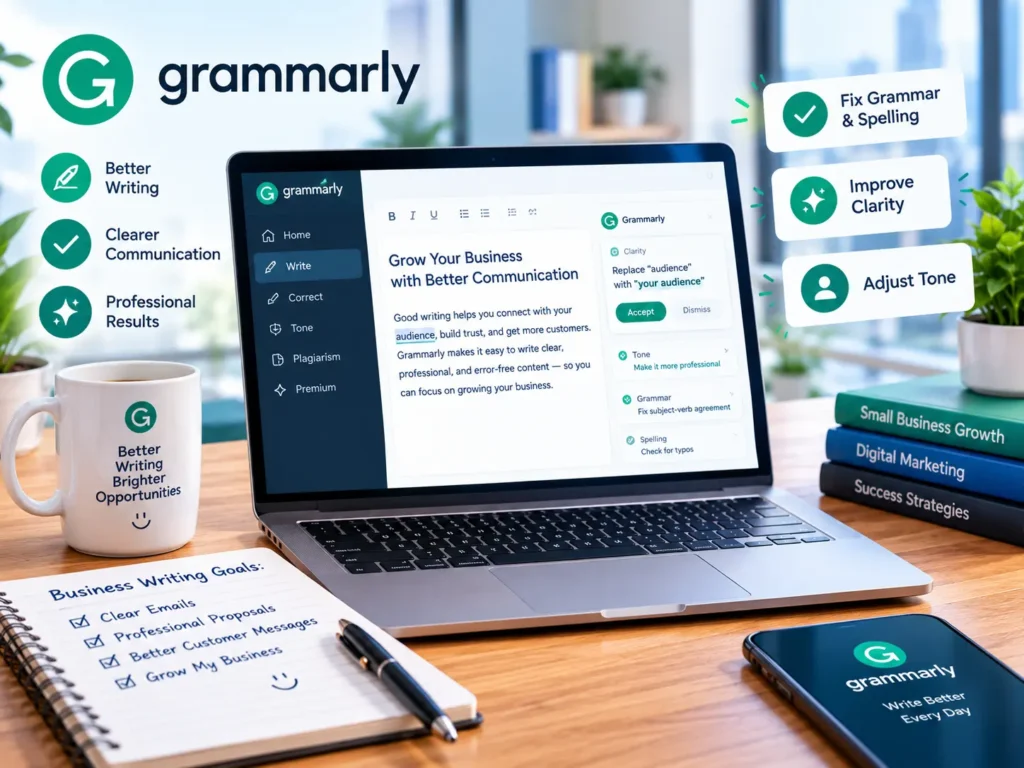
Professional communication matters when you email customers, write product descriptions, or publish articles.
Grammarly helps users identify grammar, spelling, punctuation, and clarity issues. Depending on the available plan, it may also provide additional writing suggestions.
For beginners who write in English as a second language, a writing assistant can help make messages easier to understand.
Best for: Email editing, grammar checks, and clearer written communication.
How to start: Visit https://www.grammarly.com/ and check the current free features.
Use writing suggestions thoughtfully. Your message should still sound natural and reflect your business’s tone. Avoid entering confidential customer information into AI tools unless you understand the relevant privacy protections.
5. Perplexity for Information Discovery
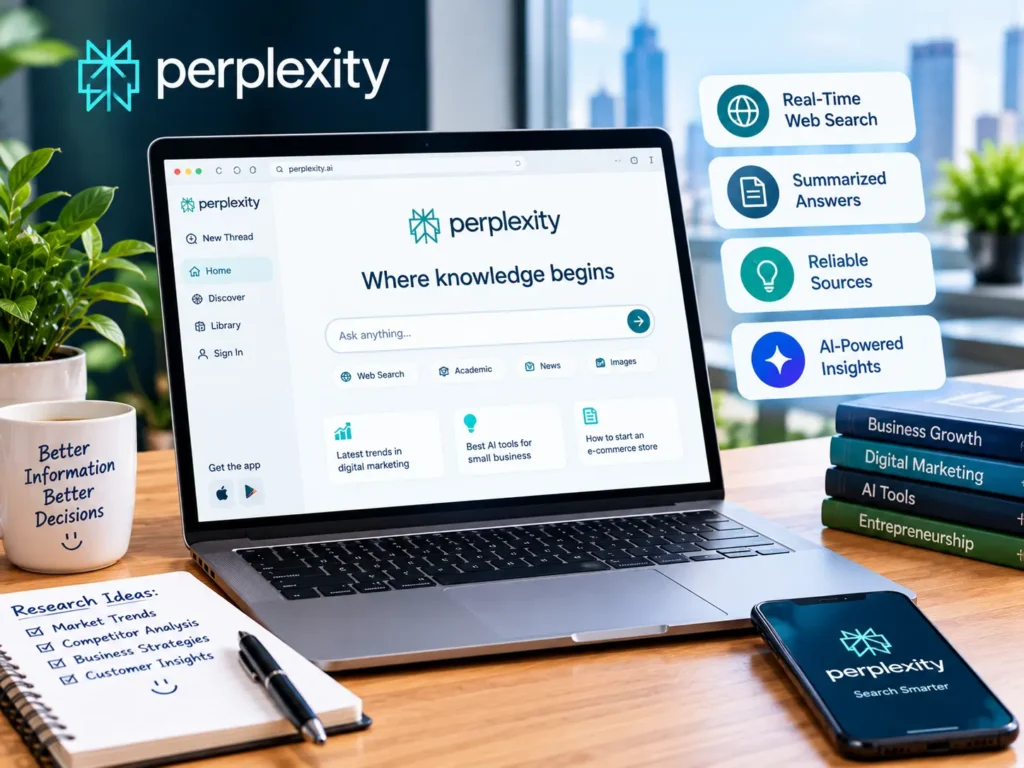
Perplexity is an AI-powered search and answer tool that can help users explore topics and discover sources.
A small business owner might use it to begin researching an industry, learn about a software category, or find sources for further reading.
Source links can make it easier to investigate claims, but their presence does not guarantee that every answer is correct. Open the original sources and check whether they actually support the information being presented.
Best for: Initial research, source discovery, and exploring unfamiliar topics.
How to start: Visit https://www.perplexity.ai/ and review the features available on the current plan.
For business decisions involving money, legal requirements, or important customer commitments, rely on authoritative sources rather than a chatbot summary alone.
6. HubSpot for Customer Relationship Management
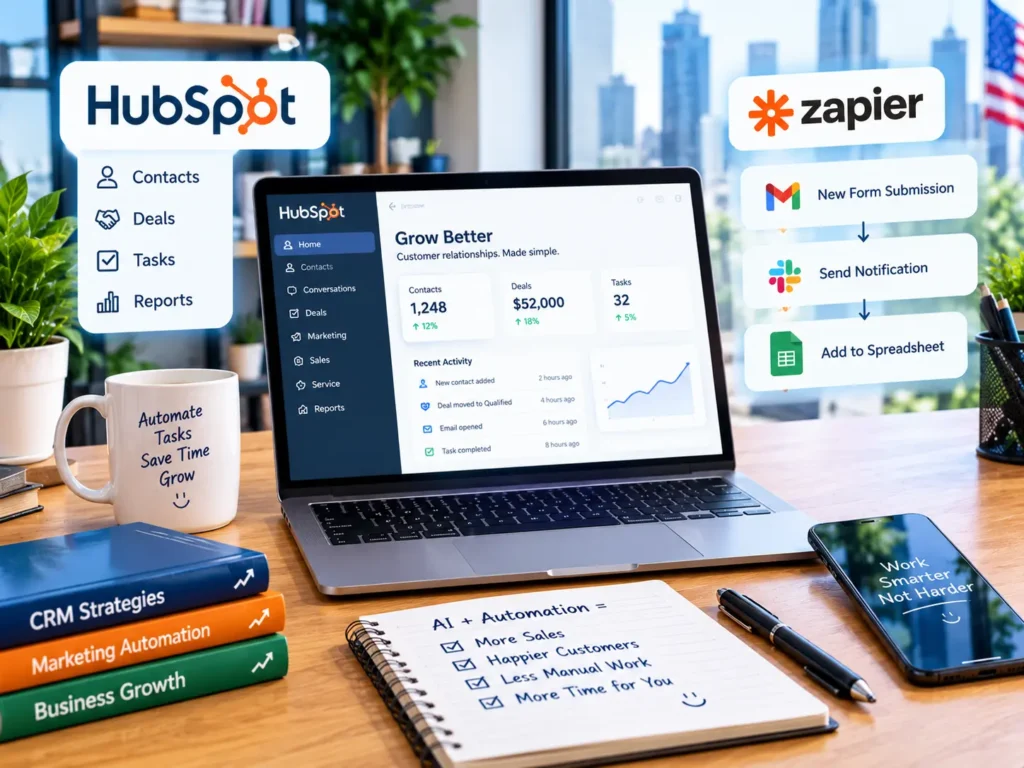
Managing customer conversations becomes more difficult as a business grows. A customer relationship management system, commonly called a CRM, can help organize contacts, track sales opportunities, and record customer interactions.
HubSpot provides CRM products and business features, including AI-related capabilities in some areas. Availability, limits, and pricing depend on the specific product and plan.
A beginner might use a CRM to keep customer information organized instead of relying entirely on scattered spreadsheets and messages.
Best for: Organizing contacts, managing sales opportunities, and keeping track of customer relationships.
How to start: Visit https://www.hubspot.com/ and review the current CRM offering.
Only collect information you genuinely need, and handle customer data responsibly. A free plan may be enough for basic organization, but check the limits before building your entire workflow around it.
7. Zapier for Simple Workflow Automation

Small businesses often repeat the same administrative tasks. For example, information submitted through a form may need to be copied into a spreadsheet or forwarded to another application.
Zapier connects supported apps and can automate certain workflows. Some plans and features use AI to help users build or manage automations.
You might explore an automation that sends a notification when a new form submission arrives. Before relying on it, test the workflow with sample information and confirm that it handles errors appropriately.
Best for: Connecting apps and reducing repetitive administrative tasks.
How to start: Visit https://zapier.com/ and check the available free plan and usage limits.
Not every automation requires AI, and not every workflow is available for free. Start with one simple task and expand only after you understand how it works.
How to Choose the Right Free AI Tools
You do not need to sign up for every AI service. Too many tools can create unnecessary complexity and make it harder to manage your work.
Instead, start by identifying the task that consumes the most time.
If you regularly write content, try a writing assistant. If your business needs promotional graphics, explore a design tool. If customer details are difficult to organize, consider a CRM.
Next, check whether the free plan includes the features you need. Some services restrict usage, file uploads, AI generation, integrations, or advanced functionality.
Finally, test the tool on a small task. Compare the result with your normal workflow and decide whether it genuinely saves time.
A Simple AI Toolkit for Beginners
If you have no budget for software subscriptions, begin with a small toolkit:
- Use ChatGPT or Gemini for brainstorming and first drafts.
- Use Canva to create basic marketing graphics.
- Use Grammarly to review written communication.
- Use Perplexity to discover research sources.
- Explore a CRM or automation platform only when your business needs it.
Free plans and features can change, so check each provider’s official website before depending on a particular feature.
Final Thoughts
Free AI tools for small business beginners can make writing, design, research, and routine business tasks easier to manage. The best choice depends on what you need to accomplish, not on how many tools you can collect.
Start with one or two services, learn their limitations, and check every important result before using it. Protect sensitive information and review commercial-use terms when working with generated content.
AI works best as a practical assistant—not a substitute for your judgment. By choosing tools carefully and using them consistently, you can build a simple workflow that supports your business without immediately committing to expensive subscriptions.