Animation Addons Lifetime Deal: Code-Free WordPress Animations for $49
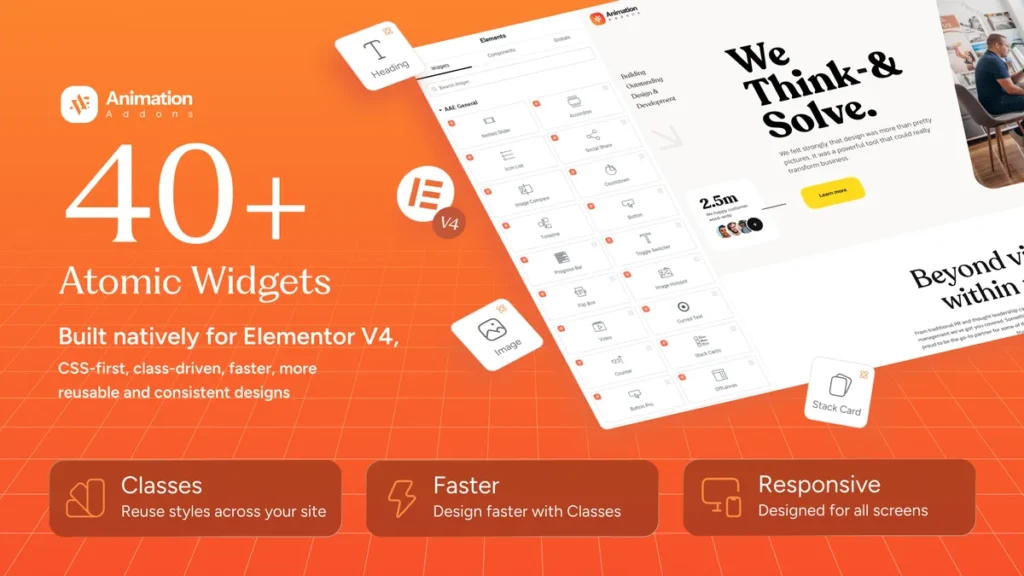
Short answer: Yes — if you build WordPress sites with Elementor and want polished, modern animations without writing code, the Animation Addons lifetime deal on AppSumo is worth a serious look. For a one-time payment starting at $49, you get lifetime access to a code-free animation toolkit, 40+ Atomic Widgets, and a large library of templates and sections to speed up client and personal projects.
In this review, I break down what Animation Addons actually does, how it works, what each pricing tier includes, and whether the starter tier is good value compared with hiring a developer or buying separate animation tools.
What Is Animation Addons?
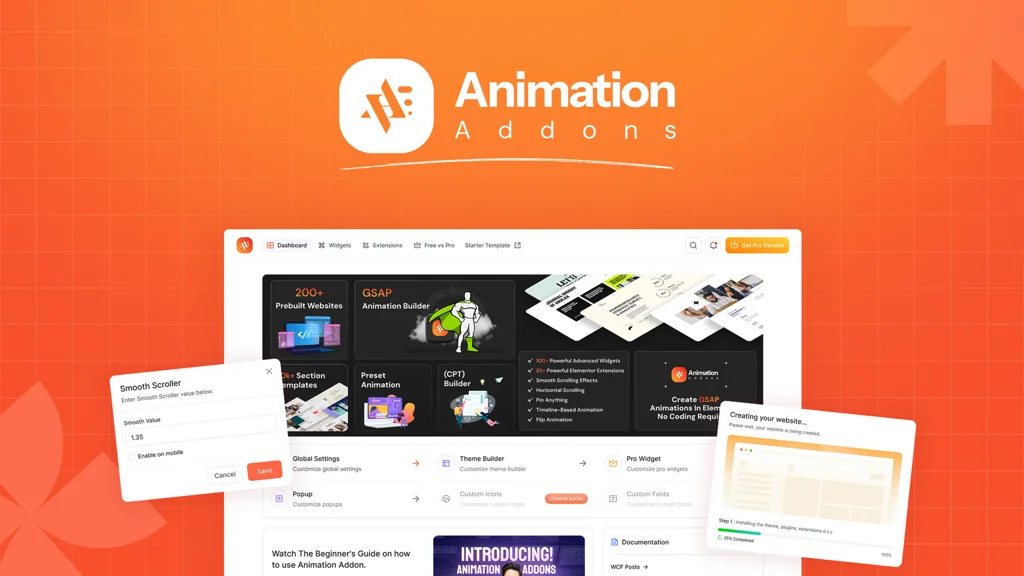
Animation Addons is a WordPress animation and design toolkit built for Elementor users. Its AppSumo headline says it plainly: code-free WordPress animations. Instead of writing CSS or JavaScript for every hover effect, scroll reveal, or entrance animation, you choose an effect, adjust its settings, and preview the result in your builder.
AppSumo lists Animation Addons as an alternative to GSAP, Framer Motion, and Lottie, and positions it as a no-code way to add motion to WordPress sites. The practical appeal is simple. Many WordPress sites look static because animation feels technical, time-consuming, or risky to hand-code. Animation Addons aims to remove that barrier while keeping the site fast and editable inside Elementor.
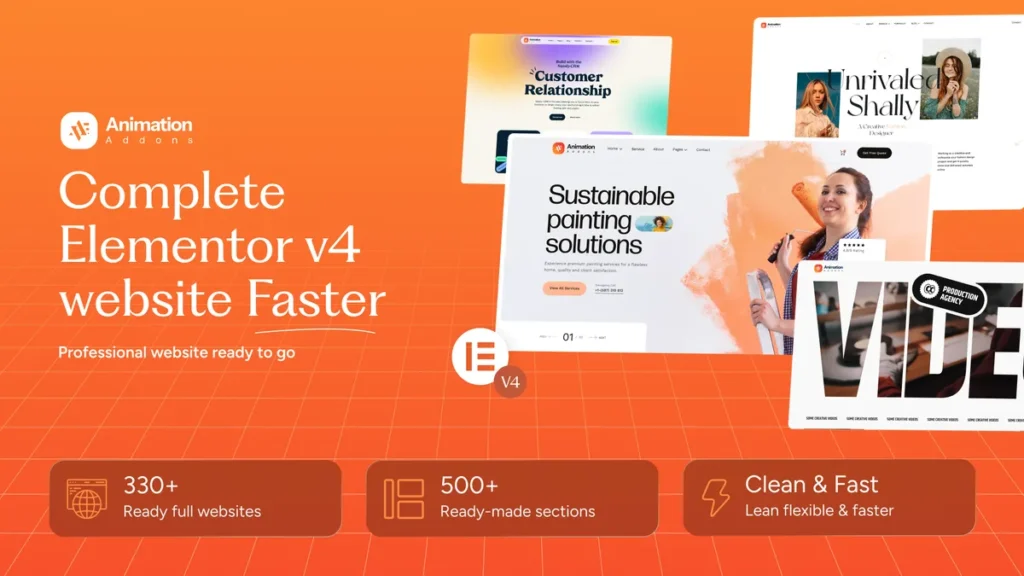
The listing also highlights a large template library: 40+ Atomic Widgets, 30+ full website templates, and 500+ sections, according to AppSumo. That matters because animation alone is not enough for most site builders. Being able to start from a section or a full layout, then animate it, can save hours on a new project.
How It Works
Animation Addons follows a simple design-and-animate flow inside WordPress. You do not need a separate animation app or a developer for routine effects.
- Install and activate the plugin. After purchasing on AppSumo, redeem your code and install Animation Addons on your WordPress site, just as you would any other WordPress plugin.
- Open a page in Elementor. Build or edit a page as usual, then add Animation Addons widgets, sections, or templates where you want motion.
- Choose an animation or effect. Pick an entrance, scroll, hover, or interactive effect from the available controls, and adjust timing, easing, direction, and trigger settings.
- Preview on desktop and mobile. Check how the animation feels at different screen sizes, and turn off or simplify effects that feel distracting on smaller screens.
- Publish and reuse. Save your best sections as reusable layouts for future pages or client sites, within the limits of your tier.
The key point is control. Animation should support the content, not overwhelm it. A short fade or slide on scroll usually feels more professional than a long, bouncy effect on every element.
Key Features
1. 40+ Atomic Widgets for Elementor
Atomic Widgets are the building blocks of the toolkit. Instead of starting from a blank Elementor widget and adding animation code, you can drop in a ready widget and style it to match the site. This is especially useful for hero sections, calls to action, testimonials, and other high-visibility areas where motion needs to look intentional.
2. A large library of websites, sections, and pages
Animation Addons lists 300+ starter websites, 500+ sections, and 30+ pages in its AppSumo material. For freelancers and agencies, that library is a practical time-saver: start from a layout that is close to the client’s needs, replace the text and images, adjust the animations, and move on to the next project.
3. No-code animation controls
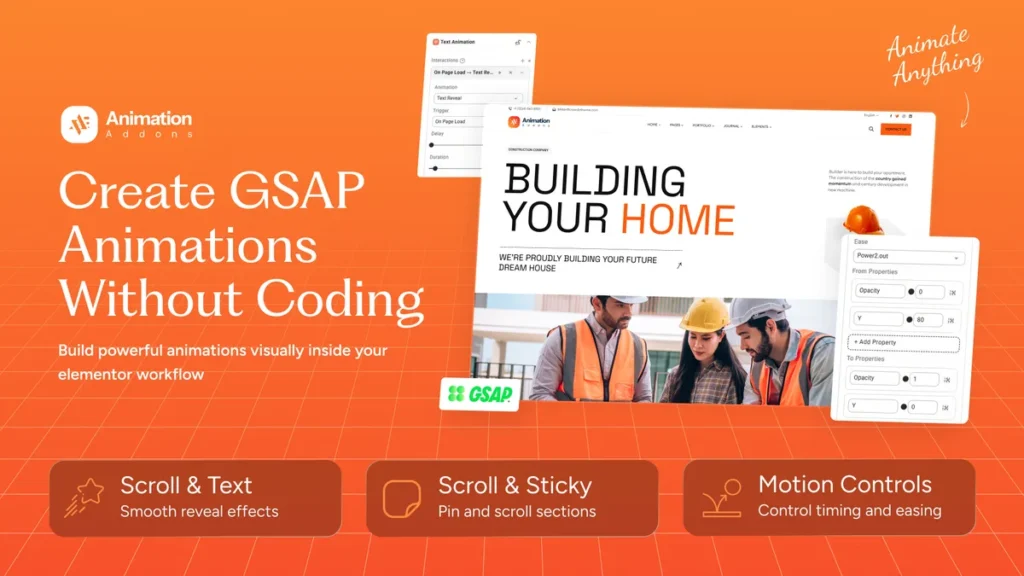
The core promise is that you do not need to write code for common effects. Controls for triggers, timing, and motion styles sit inside the builder, so you can experiment quickly. That lowers the barrier for designers who understand layout but do not want to maintain custom JavaScript.
4. Scroll, hover, and interactive effects
Motion works best when it responds to what the visitor does. Scroll-triggered reveals, hover states, and interactive elements can guide attention to a headline, a button, or a product benefit. Animation Addons is built around those everyday interactions, rather than only decorative effects that play once and are forgotten.
5. Templates you can import and customize
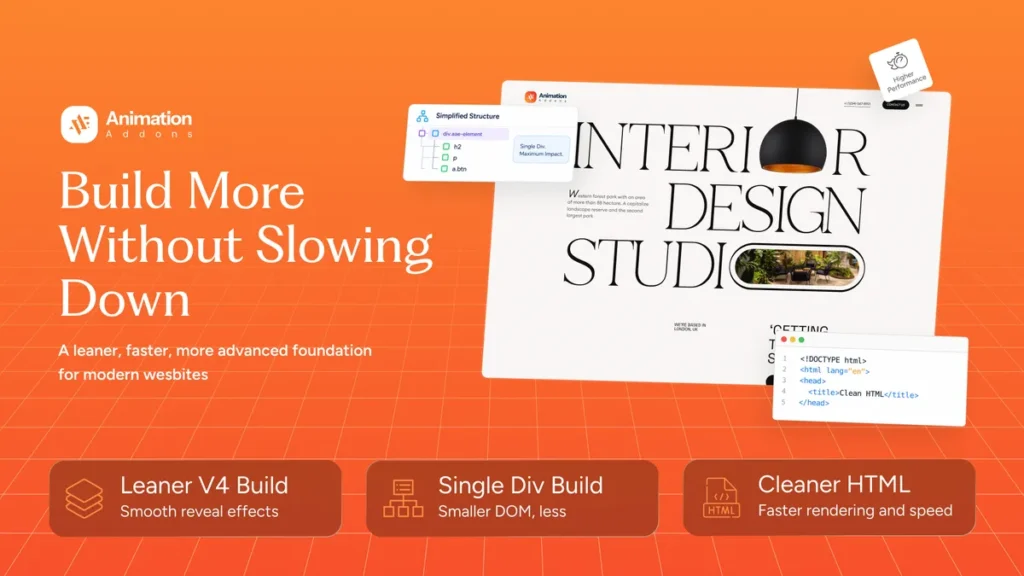
Templates are only useful if they are easy to adapt. With Animation Addons, a section or page layout is a starting point, not a finished design you must accept as-is. Change colors, fonts, images, and copy, then keep the animation structure that already works. That workflow suits agencies that need consistent quality across many sites.
6. Built for WordPress and Elementor workflows
Because Animation Addons is a WordPress plugin for Elementor, it fits into an existing workflow instead of forcing a new platform. You keep your hosting, theme, and content, and add animation where it helps. That is a major advantage over a separate animation tool that would require exporting, embedding, and maintaining files outside WordPress.
Animation Addons Pricing: Lifetime Deal Tiers
At the time of writing, on November 4, 2026, Animation Addons is live on AppSumo with a one-time starting price of $49. AppSumo shows a 60-day refund policy, lifetime access under the deal terms, and the following four tiers:
| Tier | One-time price | Regular price shown | Sites in pricing table |
|---|---|---|---|
| License Tier 1 | $49 | $228 | 1 |
| License Tier 2 | $129 | $348 | 10 |
| License Tier 3 — Most Popular | $229 | $588 | 100 |
| License Tier 4 | $319 | $888 | 1,000 |
All tiers are listed as including lifetime access, future updates as described in the deal terms, and a 60-day money-back guarantee. The deal terms also describe future-update coverage by tier as 1 site for Tier 1, 5 sites for Tier 2, 100 sites for Tier 3, and 350 sites for Tier 4, which differs from the site counts in the pricing table above, so check the live AppSumo page carefully before choosing a tier for many client sites. Stacking is available: Tier 1 allows 1 code, Tier 2 allows 2 codes, Tier 3 allows 3 codes, and Tier 4 allows 4 codes, with codes redeemable within 60 days of purchase.
Is It Worth It? The Starter Tier in Plain Terms
For a single WordPress site, Tier 1 at $49 is the value test. You get lifetime access for one site in the pricing table, which is far cheaper than paying a developer for custom animation work or paying a monthly subscription for a separate animation tool. If you build one site and use even a handful of widgets and templates, the price is easy to justify.
Tier 2 at $129 makes more sense for a freelancer with a small portfolio, while Tier 3 at $229, marked Most Popular on AppSumo, is the natural fit for a growing agency. Tier 4 at $319 is for high-volume site builders who need the largest site allowance. The 60-day refund policy is important here: buy the tier that matches your realistic near-term use, test it on a real project, and upgrade your thinking — not your spending — if it does not fit your workflow.
One honest caveat: a lifetime deal is not a promise that every future feature will be free forever in the same way, and AppSumo deal terms should always be read before purchase. The value case here rests on what is already listed — widgets, templates, sections, and no-code animation — not on a hope about future releases.
Pros and Cons
Pros
- One-time price from $49, with lifetime access under the deal terms
- No code needed for common WordPress animations
- Large template library: 40+ widgets, 30+ full website templates, and 500+ sections as listed
- Fits an existing Elementor and WordPress workflow
- 60-day money-back guarantee on AppSumo
- High user rating on AppSumo at the time of writing
Cons
- Built for Elementor workflows, so it is not a fit if you use a different page builder
- Over-animating a site can hurt readability and performance if effects are overused
- Site counts in the pricing table and the deal-terms text differ by tier, so buyers must check the live page carefully
- Lifetime deals require reading the deal terms; future-update coverage varies by tier
Who Should Buy Animation Addons?
Freelancers: If you deliver Elementor sites for clients, templates and reusable animated sections can shorten delivery time and make your work look more polished without custom code.
Agencies: Higher tiers suit teams that build many sites. Reusable layouts and consistent animation controls help keep quality steady across projects.
Small business owners: If you maintain your own Elementor site, Tier 1 can add modern motion to hero sections and calls to action without hiring a developer for every change.
Bloggers and creators: If your site already uses Elementor, Animation Addons can make key sections feel more dynamic. If you do not use Elementor, this is not the right tool for you.
Animation Addons vs Traditional Tools
| Approach | Best for | Downside |
|---|---|---|
| Animation Addons | Elementor users who want fast, no-code animation and templates | Elementor-focused; not a general animation platform |
| Custom code (GSAP-style) | Developers who need full control over complex motion | Slower to build and maintain; requires coding skill |
| Separate animation tools | Standalone animations and interactive graphics | Often subscription-priced and separate from WordPress workflow |
| No animation at all | Very simple, text-focused sites | Sites can feel static and less engaging |
For readers who want to see how Animation Addons compares with other tools on this site, our reviews of NotiQ and MagicCanvas show the same lifetime-deal format, with pricing, pros and cons, and a clear verdict.
Frequently Asked Questions
1. Is Animation Addons still available on AppSumo?
Yes, at the time of writing on November 4, 2026, Animation Addons is live on AppSumo with a starting one-time price of $49.
2. What is the starting price of Animation Addons?
The starting price is $49 one-time for License Tier 1, compared with $228 shown as the regular price.
3. How many tiers are there?
There are four tiers: $49, $129, $229, and $319, with increasing site allowances and code limits.
4. What rating does Animation Addons have on AppSumo?
AppSumo displays a rating of 4.90 out of 5, based on 20 reviews at the time of writing, with 18 five-star reviews and 2 four-star reviews in the breakdown shown.
5. Do I need to know how to code?
No. Animation Addons is positioned as a code-free toolkit for WordPress animations, with controls inside Elementor.
6. Does Animation Addons work with Elementor?
Yes. It is built for Elementor workflows in WordPress, and its widgets and templates are designed to fit that builder.
7. Is there a refund policy?
Yes. AppSumo lists a 60-day money-back guarantee for this deal, with codes redeemable within 60 days of purchase.
8. What does the lifetime deal include?
According to AppSumo, tiers include lifetime access, 40+ Atomic Widgets, and a large library of websites and sections, with future-update coverage described in the deal terms by tier.
9. Can I use it for client sites?
Yes, within your tier’s site allowance. Agencies and freelancers should choose a tier that matches the number of sites they realistically plan to build, and check the live deal terms because the pricing table and deal-terms site counts differ for some tiers.
10. Is Animation Addons worth it for one site?
For one Elementor site, Tier 1 at $49 is reasonable if you will use its widgets, templates, or animations more than once. If you do not use Elementor, it is not worth buying for that site.
Final Verdict
Animation Addons earns a clear recommendation for Elementor users who want modern, no-code WordPress animation at a one-time price. The $49 starter tier is the best entry point for a single site, while Tier 3 at $229 is the most popular choice for builders who need a larger site allowance. Use the 60-day guarantee to test it on a real project, keep animations subtle, and let the template library do the heavy lifting.
Check the Animation Addons lifetime deal on AppSumo before the offer ends, and confirm the current tier details on the live page.