Bridge WordPress Theme Review: Creative Theme for $69
Choosing a WordPress theme is one of the first big decisions you make for a new website. Pick the wrong one, and you spend weeks fighting layouts, plugins and slow pages. Pick the right one, and the site almost builds itself. Bridge, the creative multipurpose theme from QODE, has been one of the most popular choices on ThemeForest for more than a decade, and it is still selling strongly in 2026.
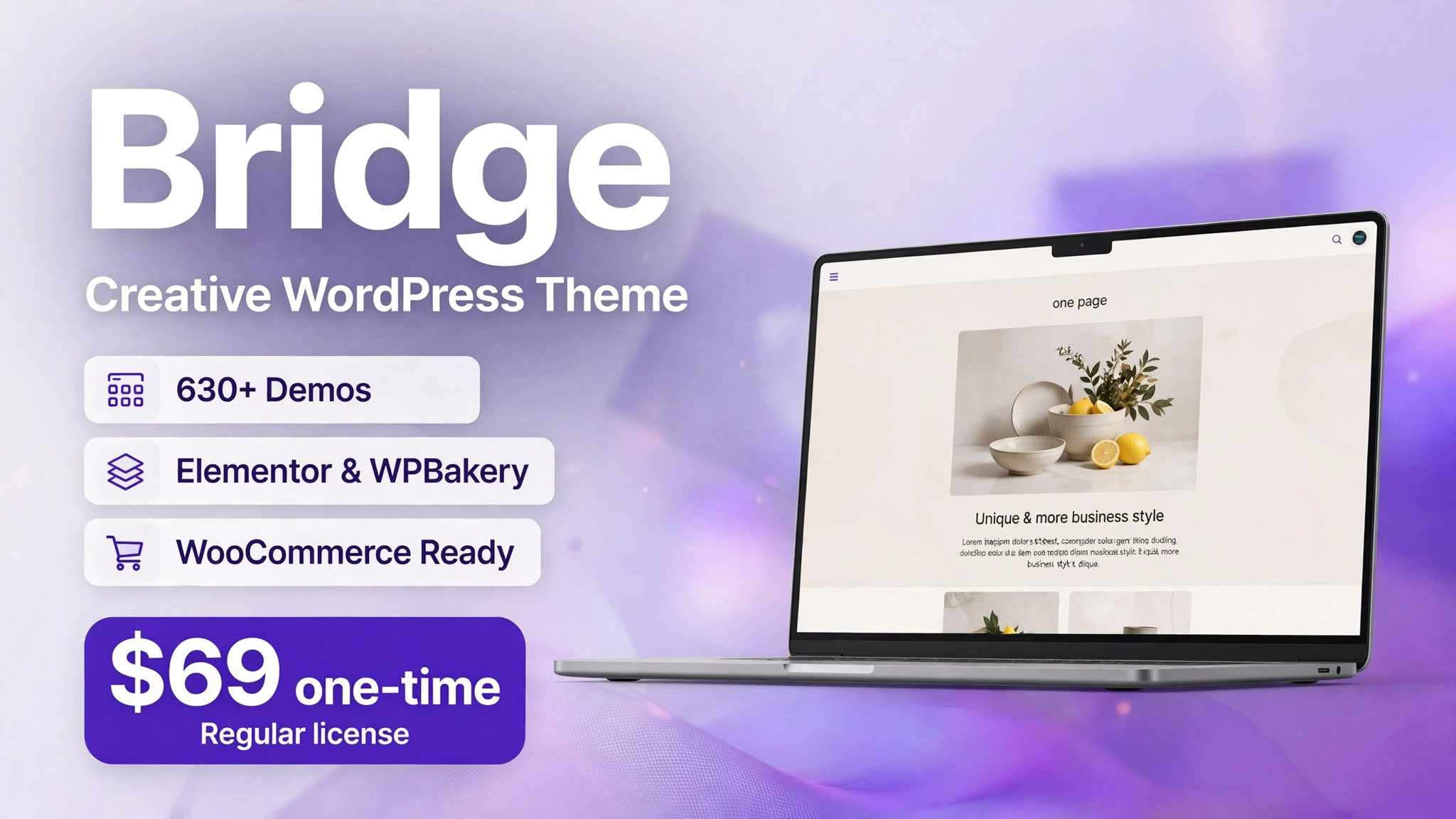
In this Bridge WordPress theme review, we look at what Bridge actually offers today: its 630+ demos, its page builders, its WooCommerce support, its bundled premium plugins and its $69 price. Every fact here was verified live on ThemeForest on 7 November 2026, so the figures below are live, not older numbers from other reviews.
Short answer: Bridge is a strong choice if you want a flexible, design-led WordPress theme with a huge demo library and a one-time $69 price. With a 4.74 out of 5 rating from 6,952 reviews and 224,659 sales, it is one of the most proven themes on ThemeForest. It is best for agencies, freelancers and small businesses that build many different kinds of sites.
In this Bridge WordPress theme review, verified live on ThemeForest on 7 November 2026, we cover what Bridge is, how it works, its key features, its pricing and licence, who should buy it, how it compares with Avada, Salient, Betheme and Enfold, and the questions buyers ask most.
What Is Bridge?
Bridge is a creative multipurpose WordPress theme by QODE, first released on ThemeForest on 3 April 2014 and last updated on 17 October 2026. A multipurpose theme is designed to build almost any kind of website — business sites, portfolios, blogs, shops and landing pages — from one purchase. Bridge does this with a library of more than 630 complete demo websites and 24 layout concepts, so you start from a finished design instead of a blank page.
What sets Bridge apart is how much is included. It works with both Elementor and WPBakery, includes a header and footer builder, supports WooCommerce, and bundles four premium plugins that would cost $282 if bought separately. The theme is compatible with WordPress 6.8 and PHP 8.4, works with Gutenberg, and is translation ready with WPML support. Qode Interactive, the author behind Bridge, also publishes the theme’s demos and documentation on its own website.
How Does Bridge Work?
Bridge works like most premium themes, but its demo library makes the start much faster. The usual path from purchase to a finished site looks like this:
Step 1: Buy Bridge on ThemeForest
Buy the $69 Regular License on ThemeForest and download the theme files from your Envato account.
Step 2: Install and Activate the Theme
Install WordPress, upload the Bridge theme, and activate it. If you are new to WordPress, read How to Build a Simple Website with WordPress first.
Step 3: Import a Demo
Browse the demo library, pick a demo close to the site you want, and import it with one click, including its pages, images and settings.
Step 4: Edit Pages with a Builder
Edit the imported pages with Elementor or WPBakery, replacing the demo text and images with your own content.
Step 5: Set Up Header, Footer and Menus
Set up your header, footer and menus with the built-in builders, then add your logo, colours and fonts.
Step 6: Add a Store and Publish
Add WooCommerce if you sell online, check the site on a phone, and publish it.
Key Features
Bridge’s feature list is long, but six features matter most to buyers. Here is what each one does in practice.
1. 630+ Pre-Built Demos and 24 Layout Concepts
Bridge ships with more than 630 complete demo websites across 24 layout concepts, covering business, creative, portfolio, blog, shop and landing page designs. Each demo is a full website, not just a homepage, so importing one gives you inner pages, menus and widgets too. One-click import brings in the demo content, and you then swap in your own text and images.

2. Elementor and WPBakery Page Builders
Bridge works with Elementor and with WPBakery Page Builder, and it adds its own Qode modules to both. You can build pages by dragging elements into place and seeing the result at once, with no code. Elementor is the more modern of the two and the one most new users choose, while WPBakery is kept for long-time Bridge users. Either way, you are not locked into a builder you dislike, and you can use a different builder on different pages.

3. WooCommerce Online Store
Bridge is fully compatible with WooCommerce, so you can turn a demo into an online store. The theme includes shop layouts, product pages, product quick view, and styled cart and checkout pages, so a store built with Bridge looks like a designed shop rather than a default WooCommerce install. Product grids, filters and single-product layouts are all included.

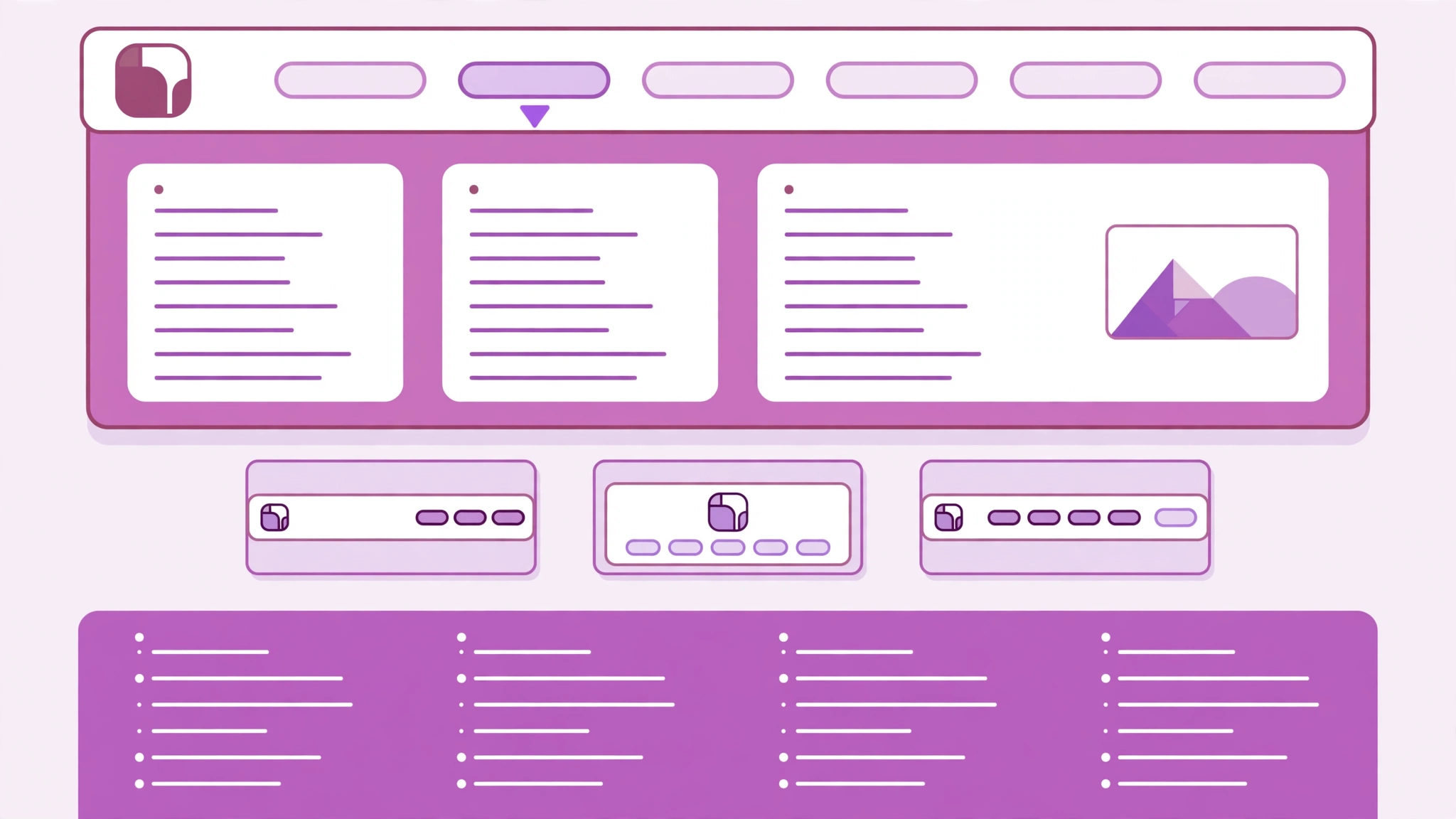
4. Header, Footer and Mega Menu Builder
Bridge includes a header builder, a footer builder and a mega menu, which is unusual at this price. You can design the header with different layouts, a top bar, a side menu or a fullscreen menu, and build the footer with link columns and widgets. Mega menus let you show many links and images in one dropdown, which helps larger sites with many pages.
5. Bundled Premium Plugins Worth $282
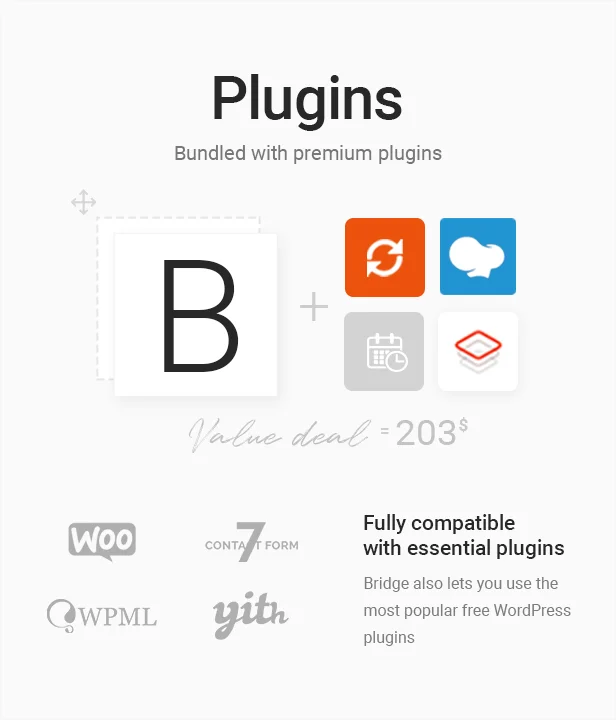
Bridge bundles four premium plugins: WPBakery Page Builder ($64), LayerSlider ($69), Slider Revolution ($109) and Timetable ($40). Bought separately, those four would cost $282, which is more than four times the $69 price of Bridge itself. The theme also works with WooCommerce, Contact Form 7, WPML and YITH plugins. Bundled plugins are licensed for use with Bridge.
6. Responsive Design, SEO and Performance
Bridge layouts are responsive and retina ready, so sites adapt to desktop, tablet and phone screens. The theme is built with search optimisation in mind, with clean code and compatibility with SEO plugins. Performance depends on how you build: a demo with large sliders and many plugins will load more slowly than a light one, so it pays to use only the features you need and to add caching.

Pricing and License
Bridge costs $69 for a Regular License on ThemeForest, verified live on 7 November 2026. That is a one-time payment for one website, and it includes future updates and 6 months of support from QODE. An Extended License costs $3,450 and is for sites where visitors pay to use the site itself. There is no monthly subscription, and Bridge is not sold as a lifetime deal. The price is in US dollars, and taxes may apply depending on your location.
| License | Price | What it covers |
|---|---|---|
| Regular License | $69 one-time | One website, future updates, 6 months support |
| Extended License | $3,450 one-time | Sites where end users pay to use the site |
| Support | 6 months included | Help from QODE, with an extension available |
If Bridge fits your project, get Bridge on ThemeForest for $69 and start with any of its 630+ demos.
Is Bridge Worth It?
For most buyers, yes — with one condition. Bridge is worth $69 if you will use its demo library and its builders. The 630+ demos alone save hours on every project, and the bundled plugins add $282 of value. The 4.74 out of 5 rating from 6,952 reviews and 224,659 sales show that buyers keep coming back to it after more than a decade. The condition is time: Bridge is a deep theme with many options, so expect a few hours of learning before it feels fast. But for agencies, freelancers and businesses that build several sites, Bridge pays for itself on the first project.
Pros and Cons
No theme is perfect. Here is the honest balance for Bridge.
Pros
- 630+ demos and 24 layout concepts cover almost any niche.
- Works with both Elementor and WPBakery page builders.
- Full WooCommerce support for online stores.
- Bundled plugins worth $282 included in the $69 price.
- Header, footer and mega menu builders included.
- Proven record: 4.74/5 from 6,952 reviews and 224,659 sales.
Cons
- Many options mean a learning curve for new users.
- Demos with sliders and heavy content need caching to stay fast.
- Bundled plugins update through the theme, not with separate licences.
- Support is included for 6 months; longer support costs extra.
- The creative, bold design style may not suit very plain corporate sites.
Who Should Buy Bridge?
Bridge suits agencies and freelancers who build sites for clients, because the demo library lets them start each project from a finished design. It suits small businesses that want a distinctive, design-led website without hiring a developer, and it suits online stores that need WooCommerce with strong shop layouts. Bridge is a weaker fit if you want the lightest possible theme, if you dislike page builders, or if you need only one simple page. If you are comparing themes, our Avada WordPress Theme Review covers the best-selling alternative at the same $69 price.
Bridge vs Avada, Salient, Betheme and Enfold
Bridge is often compared with the other long-running multipurpose themes on ThemeForest. The four closest alternatives we have reviewed are Avada, Salient, Betheme and Enfold. Prices below are the prices listed in our reviews, with Bridge verified live on 7 November 2026.
| Theme | Price | Best for |
|---|---|---|
| Bridge | $69 | Creative sites and a huge demo library |
| Avada | $69 | All-round multipurpose sites |
| Salient | $60 | Design-led sites |
| Betheme | $69 | Multipurpose sites with many demos |
| Enfold | $59 | Clean, responsive business sites |
All five are one-time purchases on ThemeForest. Bridge stands out for its 630+ demos and its creative layouts, while Avada is the broader all-rounder. Read the full Avada WordPress Theme Review, Salient WordPress Theme Review, Betheme WordPress Theme Review and Enfold WordPress Theme Review before you decide.
Frequently Asked Questions
Is Bridge a one-time purchase?
Yes. Bridge costs $69 for a Regular License on ThemeForest, a one-time payment for one website, with future updates included and 6 months of support. There is no subscription, and it is not sold as a lifetime deal.
Does Bridge work with Elementor?
Yes. Bridge works with Elementor and with WPBakery Page Builder, and it adds Qode modules to both, so you can edit pages visually without code.
Can I build an online store with Bridge?
Yes. Bridge is fully compatible with WooCommerce and includes shop layouts, product quick view and styled cart and checkout pages.
How many demos does Bridge include?
Bridge includes more than 630 complete demo websites across 24 layout concepts, all importable with one click.
Is Bridge good for beginners?
Bridge is beginner friendly if you start from a demo, because the site already looks finished and you only replace the content. The settings are deep, so allow a few hours to learn the options.
Bridge WordPress Theme Review: Final Verdict
Bridge remains one of the best value multipurpose themes on ThemeForest in 2026. For $69 you get 630+ demos, two page builders, WooCommerce support, a header and footer builder, and $282 worth of bundled plugins, backed by a 4.74 out of 5 rating from 6,952 reviews and 224,659 sales. It is not the lightest theme, and it takes time to learn, but for creative sites, agencies and small businesses it is hard to beat at this price. If you want a proven, design-led theme that can build almost any site, Bridge is an easy recommendation. Get Bridge on ThemeForest and start from a demo today.
Affiliate Disclosure: Some links in this review may earn us a commission at no extra cost to you if you make a purchase. This does not affect our review, which is based on the live ThemeForest listing.