zcal Lifetime Deal – Scheduling Tool with Custom Booking Pages
Short answer: zcal is a lifetime deal for anyone tired of back-and-forth scheduling emails. For a one-time payment starting at $59, you get beautiful, Typeform-inspired booking pages, calendar sync, and team scheduling — without a monthly subscription. If you book meetings, calls, demos, or consultations regularly, this is one of the easiest scheduling deals to justify.
In this review, we cover what zcal is, how it works, its key features, pricing, pros and cons, and who should buy it — plus how it compares with traditional scheduling tools such as Calendly.
Get the zcal Lifetime Deal on AppSumo
What Is zcal?
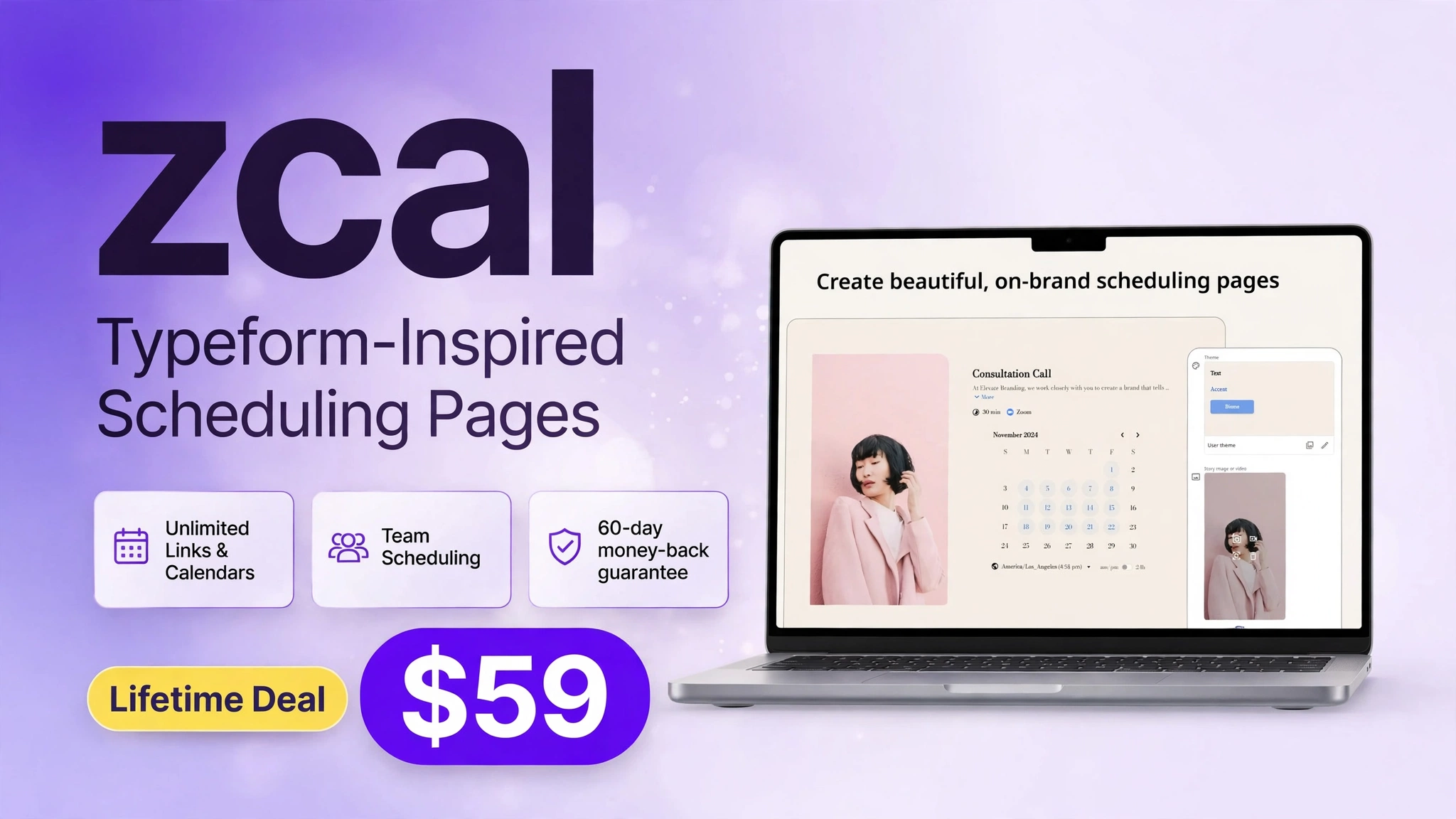
zcal is a scheduling tool that lets you create polished booking pages your clients actually enjoy using. Instead of a plain list of time slots, zcal presents booking as a clean, step-by-step experience — similar in feel to a Typeform — so visitors can pick a meeting type, answer a few questions, and confirm a time in seconds.
Behind the scenes, zcal connects to your calendar, checks your availability in real time, and handles confirmations automatically. You can create different pages for different purposes: a 30-minute discovery call, a 60-minute consultation, a team demo, or a group event. Each page can have its own duration, availability, questions, and branding.
zcal is built for freelancers, coaches, consultants, sales teams, agencies, and small businesses that schedule meetings every week. If scheduling is part of your work, zcal removes the friction — and the monthly fee — from that process.
How It Works
Getting started with zcal takes just a few steps:
- Connect your calendar. Link Google Calendar or Microsoft Outlook so zcal always knows when you are free — and never double-books you.
- Create a booking page. Choose a meeting type, set its duration, and add a short description of what the meeting is for.
- Customize the page. Add your logo, brand colors, profile photo, and any questions you want guests to answer before booking.
- Set your availability. Define working hours, buffer time between meetings, and how far in advance people can book.
- Share or embed your link. Send your zcal link by email or message, add it to your website, or embed the booking form directly on a page.
- Let zcal handle the rest. Guests pick a time, receive a confirmation, and get reminders — while the event appears on your calendar automatically.
That is the whole workflow. There is no plugin to maintain, no complex setup, and no need to ask “what time works for you?” ever again.
Key Features
1. Typeform-Inspired Scheduling Pages
Most scheduling tools show a grid of times and little else. zcal turns booking into a guided, one-question-at-a-time experience that feels modern and personal. Guests move through meeting selection, questions, and time selection without confusion — which means fewer abandoned bookings.

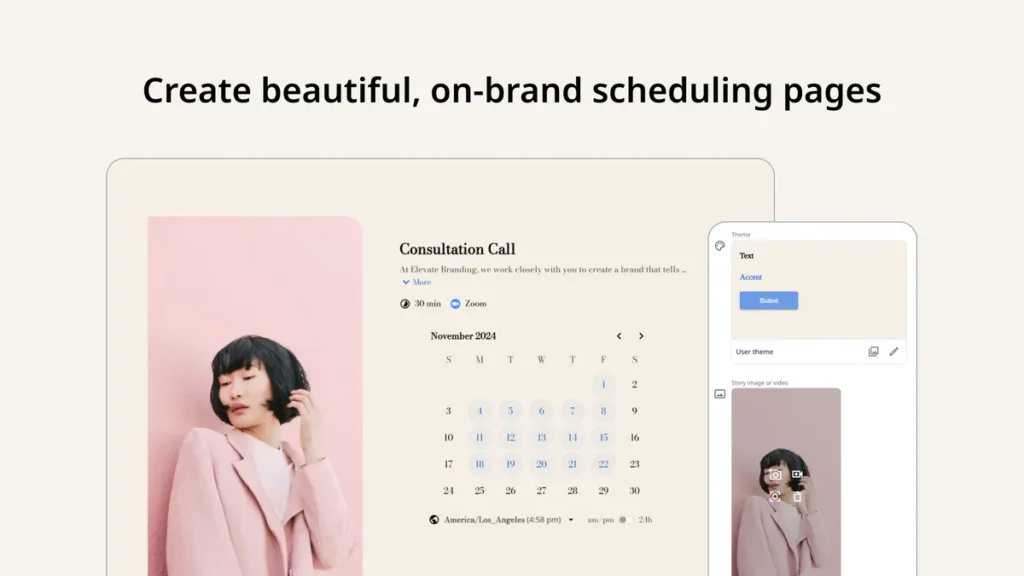
2. Fully Customizable Booking Pages
Your booking page should look like your brand, not like a generic tool. With zcal, you can customize your page with your logo, colors, profile image, and wording, so every booking reinforces your business identity rather than someone else’s.
3. Embed Booking Anywhere on Your Website
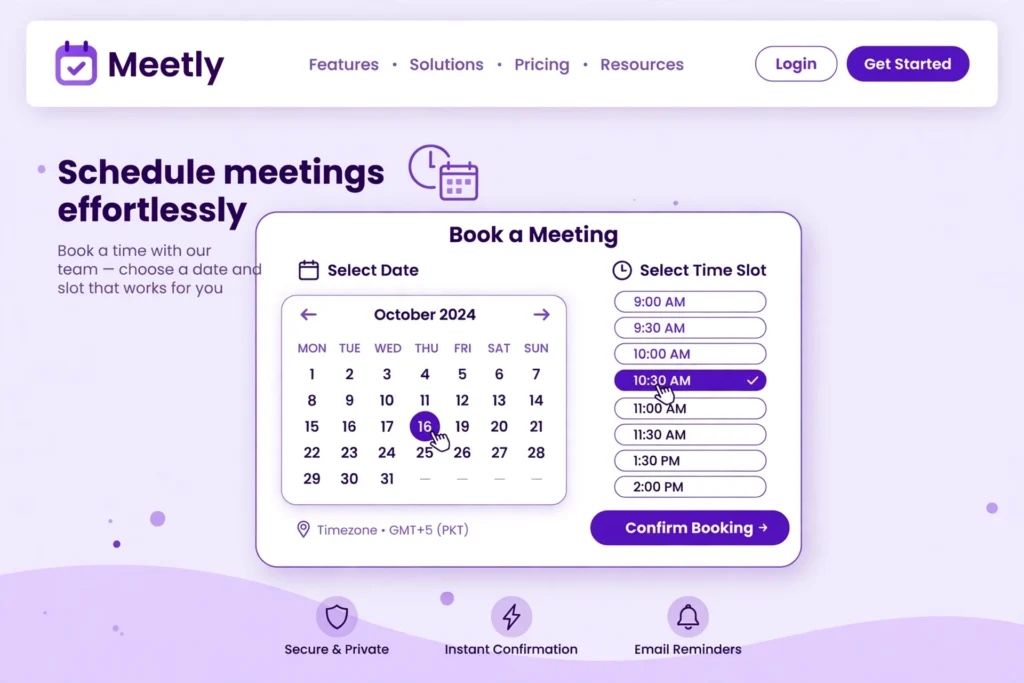
zcal booking forms can be embedded directly into your website, landing page, or sales page, so visitors never have to leave your site to book. That keeps conversion high and makes your site feel like a complete booking system, not just a brochure with a link.
4. Team Scheduling and Calendar Sync
For teams, zcal supports team and individual scheduling pages, so clients can book with the right person or the next available team member. Calendar sync with Google Calendar and Outlook prevents double-booking, while availability rules, buffers, and limits keep your day manageable.
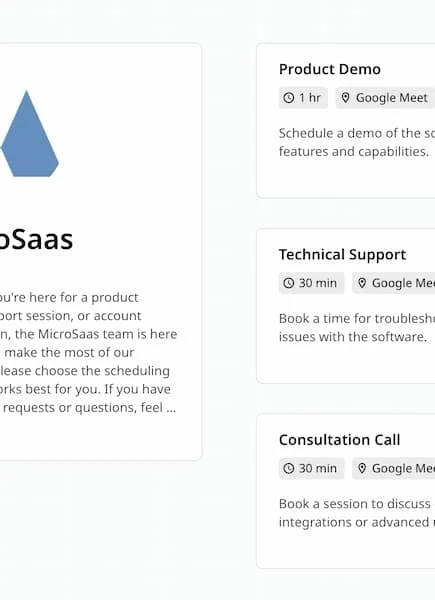
Other useful features include automated confirmations and reminders, custom questions for guests, different meeting durations and types, and a clean dashboard for managing all your booking pages in one place.
Pricing
zcal is available on AppSumo as a one-time lifetime deal, with three tiers. Prices below were verified live on AppSumo on November 4, 2026, and may change if the deal ends or tiers sell out.
| License Tier | One-Time Price | Users | Best For |
|---|---|---|---|
| Tier 1 | $59 (regular $576) | 3 users | Solo users and small teams |
| Tier 2 | $139 (regular $1,440) | 10 users | Growing teams |
| Tier 3 | $219 (regular $2,880) | 50 users | Agencies and larger teams |
All tiers include lifetime access to zcal, all future Starter Plan updates, and a 60-day money-back guarantee. You must redeem your code within 60 days of purchase, and you can upgrade or downgrade between tiers within 60 days of purchase. Note: AppSumo showed the deal ending in about 7 days at the time of verification, so check availability before buying if you are reading this after that window.
Check current zcal pricing and availability on AppSumo
Is It Worth It? The Starter Value
Yes — especially at Tier 1. At $59 one time, zcal costs less than a few months of a typical paid scheduling subscription, and it covers 3 users. If you book even a handful of meetings each month, the time saved from ending email scheduling alone pays for it quickly. The Typeform-style experience is also a genuine differentiator: it makes booking feel easier for clients, which can mean more completed bookings.
Tier 2 at $139 is the sweet spot for small teams that need more seats without jumping to an enterprise plan. Tier 3 at $219 is excellent value for agencies that would otherwise pay per user, per month, indefinitely. The main risk is the usual lifetime-deal trade-off: you are buying the current Starter Plan feature set, so check that it covers the integrations and features you need today.
Pros and Cons
Pros
- One-time payment — no monthly subscription
- Beautiful, Typeform-inspired booking experience
- Custom branding with logo and colors
- Embeddable booking forms for your website
- Team scheduling and calendar sync
- 60-day money-back guarantee
- Strong value at Tier 1 for solo users
Cons
- Lifetime deal covers the Starter Plan feature set
- Deal availability is time-limited on AppSumo
- Advanced enterprise scheduling features may require a different plan
- Newer tool, so it has fewer third-party integrations than long-established competitors
Who Should Buy zcal?
Freelancers and Consultants
If you book discovery calls, client check-ins, or paid consultations, zcal gives you a professional booking page in minutes and ends the “when are you free?” email thread.
Coaches and Creators
Coaches, course creators, and service providers can offer different session types, collect intake questions up front, and embed booking directly on a sales or landing page.
Sales and Marketing Teams
Sales teams can use team scheduling pages so prospects book with the next available rep, while marketing teams can embed booking on campaign pages to turn interest into meetings faster.
Agencies and Small Businesses
Agencies with multiple team members get the most from Tier 2 or Tier 3, where 10 or 50 users can each have booking pages under one lifetime deal.
Anyone Paying Monthly for Scheduling
If you already pay monthly for a scheduling tool and only use core features — booking pages, calendar sync, and reminders — zcal can replace that subscription with a one-time cost.
Comparison: zcal vs Traditional Scheduling Tools
| Feature | zcal (Lifetime Deal) | Traditional Tools (e.g., Calendly) |
|---|---|---|
| Cost model | One-time payment from $59 | Monthly or annual subscription, often per user |
| Booking experience | Typeform-inspired, step-by-step pages | Standard calendar grid |
| Custom branding | Logo, colors, and profile customization | Branding often limited on lower plans |
| Embed on website | Yes | Yes, on most plans |
| Team scheduling | Yes, with tier-based user limits | Yes, usually at higher per-user cost |
| Calendar sync | Google Calendar and Outlook | Google, Outlook, and others depending on plan |
| Long-term cost for a solo user | Lower after the first few months | Higher over 1–3 years |
Traditional tools remain strong choices if you need deep integrations, enterprise controls, or a very large marketplace of native apps. For most individuals and small teams, however, zcal’s experience and lifetime pricing are hard to beat. For related deal coverage, see our NotiQ lifetime deal review and our guide to best SaaS tools for small businesses.
Frequently Asked Questions
1. Is zcal really a lifetime deal?
Yes, on AppSumo you pay once for lifetime access to zcal, including all future Starter Plan updates, subject to AppSumo’s terms at purchase.
2. How much does zcal cost on AppSumo?
At verification on November 4, 2026, Tier 1 was $59 for 3 users, Tier 2 was $139 for 10 users, and Tier 3 was $219 for 50 users.
3. What is zcal’s rating on AppSumo?
zcal was rated 4.3 out of 5 stars, based on 73 reviews at the time of verification.
4. Does zcal work with Google Calendar and Outlook?
Yes, zcal syncs with Google Calendar and Microsoft Outlook to prevent double-booking.
5. Can I embed zcal on my website?
Yes, you can embed zcal booking forms directly on your website or landing page.
6. Can teams use zcal?
Yes, zcal supports team and individual scheduling pages, with user limits depending on your tier.
7. Is there a money-back guarantee?
Yes, AppSumo offers a 60-day money-back guarantee for zcal, and codes must be redeemed within 60 days of purchase.
8. Can I upgrade or downgrade my tier?
Yes, AppSumo allows upgrading or downgrading between license tiers within 60 days of purchase.
9. Who is zcal best for?
Freelancers, coaches, consultants, sales teams, agencies, and small businesses that book meetings regularly.
10. How long will the zcal deal last?
AppSumo showed the deal ending in about 7 days at verification on November 4, 2026, so availability may be limited. Check the AppSumo page before buying.
Final Verdict
zcal is a smart lifetime deal for anyone who schedules meetings and wants to stop paying monthly for a tool that should be simple. Its Typeform-inspired pages look better than a standard calendar grid, its branding and embed options make it feel like part of your business, and its Tier 1 price of $59 for 3 users is excellent value.
If you book calls every week, buy Tier 1 and try it risk-free with the 60-day guarantee. If you run a team, Tier 2 or Tier 3 will save you far more over time than a per-user monthly plan. Just check availability soon, because the AppSumo deal window was limited at the time we verified it.